 info@hostingduty.com
 Call us at 02269718986


WordPress RSS Feed Extension
In the digital age, information is a valuable asset, shaping how we live and work. Businesses increasingly rely on the internet to gather essential data, making it crucial to access relevant information efficiently. This is where RSS feeds come into play.
If you are looking for the best WordPress RSS feed plugins, this guide provides insights into their benefits and the top plugins to consider for your website.
Table of Contents
- What is an RSS feed?
- Benefits of RSS Feeds
- Best WordPress RSS Feed Plugins
- Feedzy
- WPeMatico RSS Feed Fetcher
- RSS Feed Retriever
- RSS Aggregator
- Category-Specific RSS Feed Subscription
- RSS Include Images
- Featured Images in RSS for MailChimp
- Super RSS Reader
- FAQs
What is an RSS Feed?
RSS (Really Simple Syndication) feeds help convert website updates into an easy-to-read format, consolidating multiple articles in one place. By integrating RSS feeds, businesses can keep their audience informed and streamline content access.
Benefits of RSS Feeds
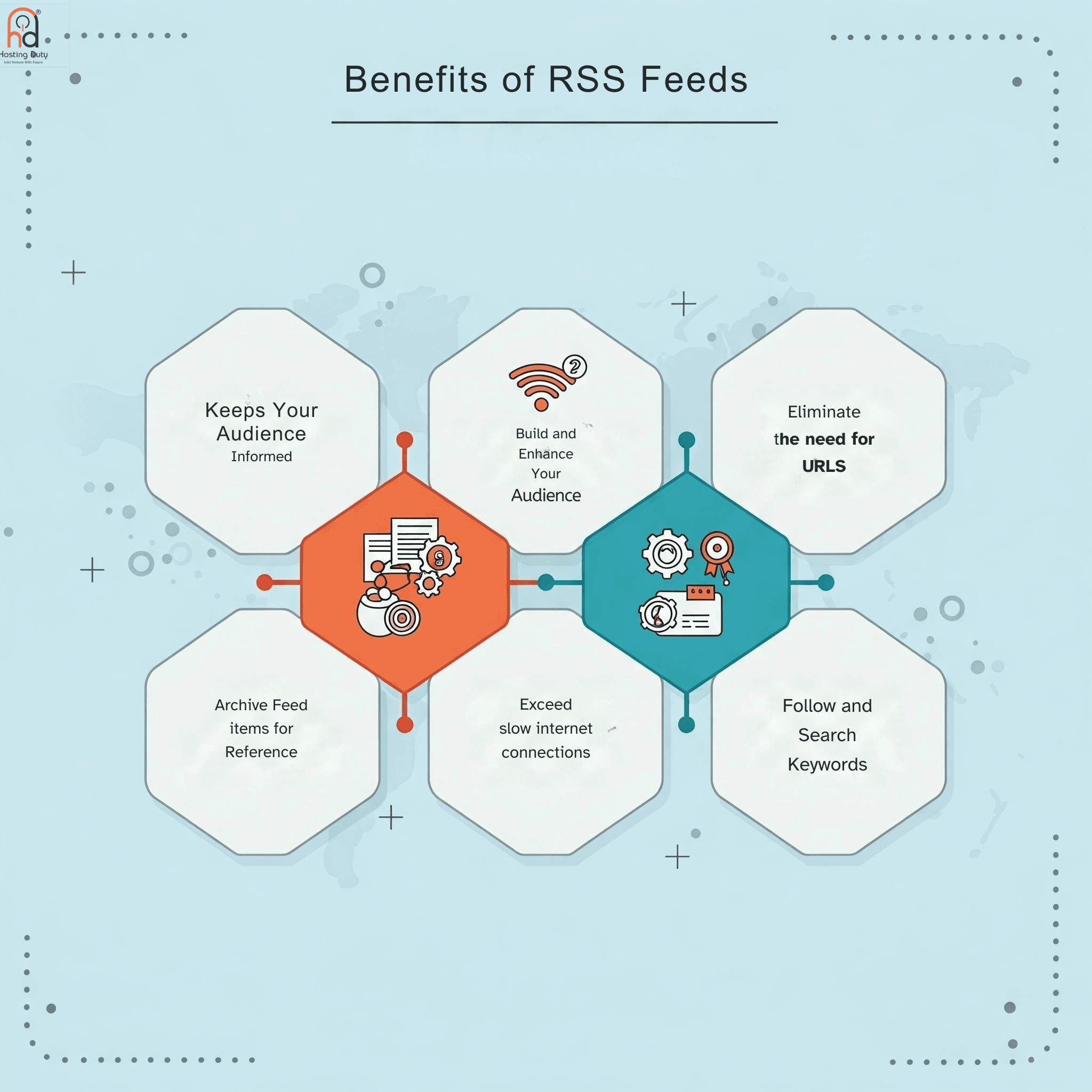
- Keeps Your Audience Informed
- RSS feeds send instant notifications and updates, ensuring visitors stay updated on new content.
- Enhances Website Traffic
- By making your blog easily accessible, RSS feeds attract more viewers and increase engagement.
- Eliminates the Need for URLs
- Users no longer need to remember multiple blog URLs, as all updates are available in one feed reader.
- Archives Content for Future Reference
- Users can save specific updates for later use, improving content retention.
- Optimizes for Slow Internet Connections
- RSS feeds allow content consumption without repeatedly loading web pages.
- Facilitates Keyword Tracking
- RSS readers can filter and notify users about specific keywords in their feeds.
Best WordPress RSS Feed Plugins
1. Feedzy

A powerful RSS aggregator that enables you to import and display RSS feeds with shortcodes.
- Key Feature: Offers multiple templates to customize feed layout.
- Pricing: Starts at $59/year.
2. WPeMatico RSS Feed Fetcher
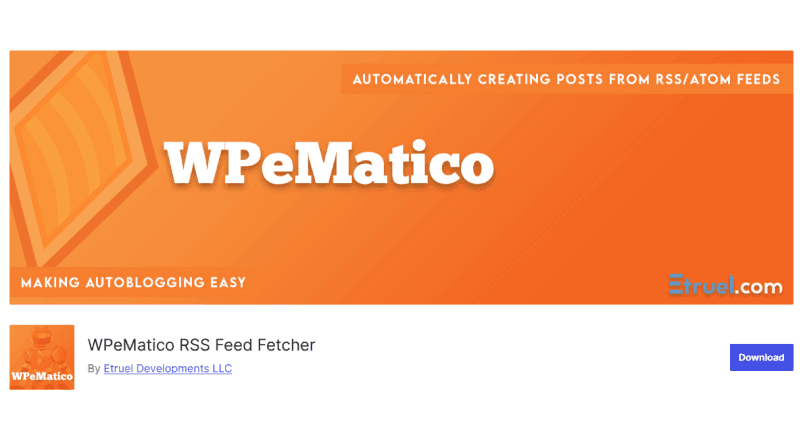
An auto-blogging plugin that organizes and publishes RSS feeds efficiently.
- Key Feature: Automatically categorizes imported feeds.
3. RSS Feed Retriever
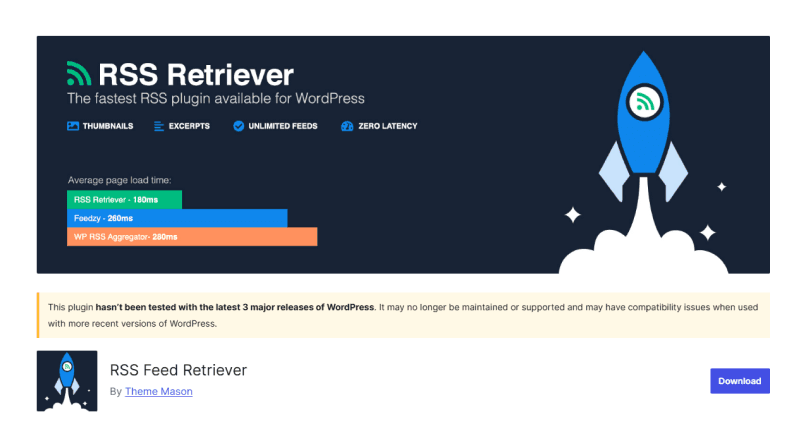
Allows unlimited RSS feed retrieval using shortcodes.
- Key Feature: No premium plans; all features are free.
4. RSS Aggregator
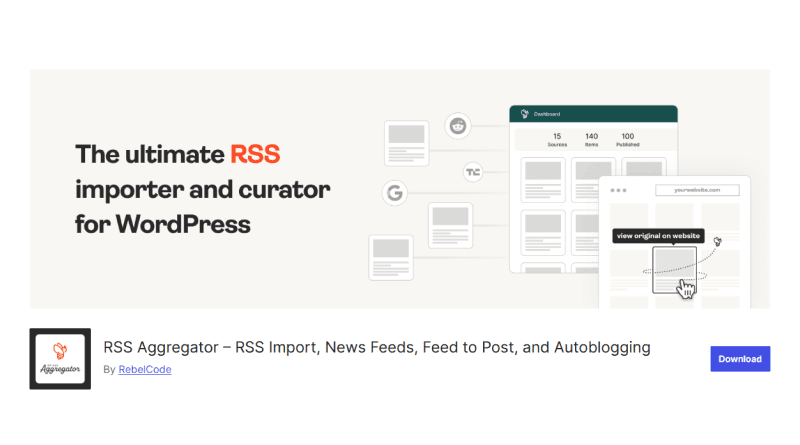
A comprehensive plugin for compiling multiple RSS feeds into one display.
- Key Feature: Advanced customization options.
5. Category-Specific RSS Feed Subscription
Lets users subscribe to specific content categories.
- Key Feature: Helps large websites provide tailored content to users.
6. RSS Include Images

Adds both posts and pages to RSS feeds.
- Key Feature: Supports custom post types like WooCommerce products.
- Pricing: Premium version available for under $15.
7. Featured Images in RSS for MailChimp
Integrates featured images into RSS feeds for email campaigns.
- Key Feature: Free and widely used for content marketing.
8. Super RSS Reader
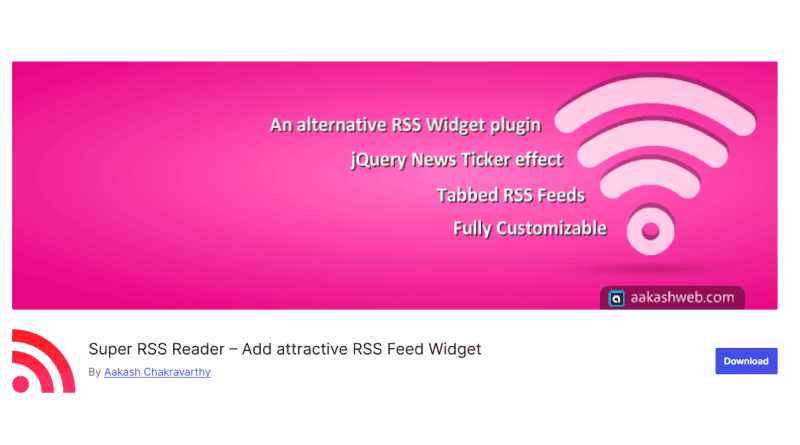
A WordPress RSS widget supporting multiple feed displays.
- Key Feature: Fully customizable with external CSS.
- Pricing: Pro version available for $19 (one-time fee).
Conclusion
WordPress RSS feed plugins enhance content accessibility and website engagement. These tools enable seamless content aggregation, helping businesses drive traffic and improve user experience. Choose the best plugin based on your website’s needs and start optimizing your RSS feed today.
FAQs
Why should I use an RSS feed plugin for my WordPress website?
RSS feeds improve SEO, enhance user engagement, and streamline content delivery by providing fresh updates in an organized manner.
What is the best RSS feed plugin for WordPress?
The ideal plugin depends on your needs. Feedzy is great for customization, WPeMatico for auto-blogging, and RSS Aggregator for advanced feed compilation.
Can I customize RSS feeds in WordPress?
Yes, most RSS feed plugins allow extensive customization, including layout design, filtering, and keyword tracking.
Are RSS feed plugins free?
Many plugins offer free versions with basic features, while premium plans unlock additional functionalities.