 info@hostingduty.com
 Call us at 02269718986


What is Elementor? More Than Just a WordPress Page Builder
Are you searching for a no-code webpage builder like our AI website creator? If so, Elementor should be on your radar. It’s a powerful WordPress plugin designed to create visually stunning websites without any coding knowledge. Whether you're building a personal blog or a feature-rich e-commerce site, Elementor simplifies the process.
With Elementor suite of tools, you can design professional, aesthetically pleasing websites in no time. It goes beyond a basic page builder, offering dynamic features that help craft engaging, interactive web pages. Keep reading to explore everything Elementor has to offer.
Table of Contents
- What is Elementor in WordPress?
- Key Features That Make Elementor Stand Out
- Elementor vs. Other Page Builders – How Does It Compare?
- Installing Elementor in WordPress
- Advantages of Using Elementor
- How to Use Elementor in WordPress
- FAQs
What is Elementor in WordPress?
Elementor is a WordPress plugin that allows users to design and develop websites using a simple drag-and-drop interface. It eliminates the need for coding, making web development accessible to anyone.
This plugin acts as a WordPress assistant, streamlining the website-building process with no technical jargon involved. All it takes is a few drags and drops to create a fully functional website!
Elementor lets you move webpage elements in real-time and provides access to a vast selection of widgets and templates, ensuring a professional look for your site.
Key Features That Make Elementor Stand Out
What makes Elementor different from other page builders? Here are some standout features:
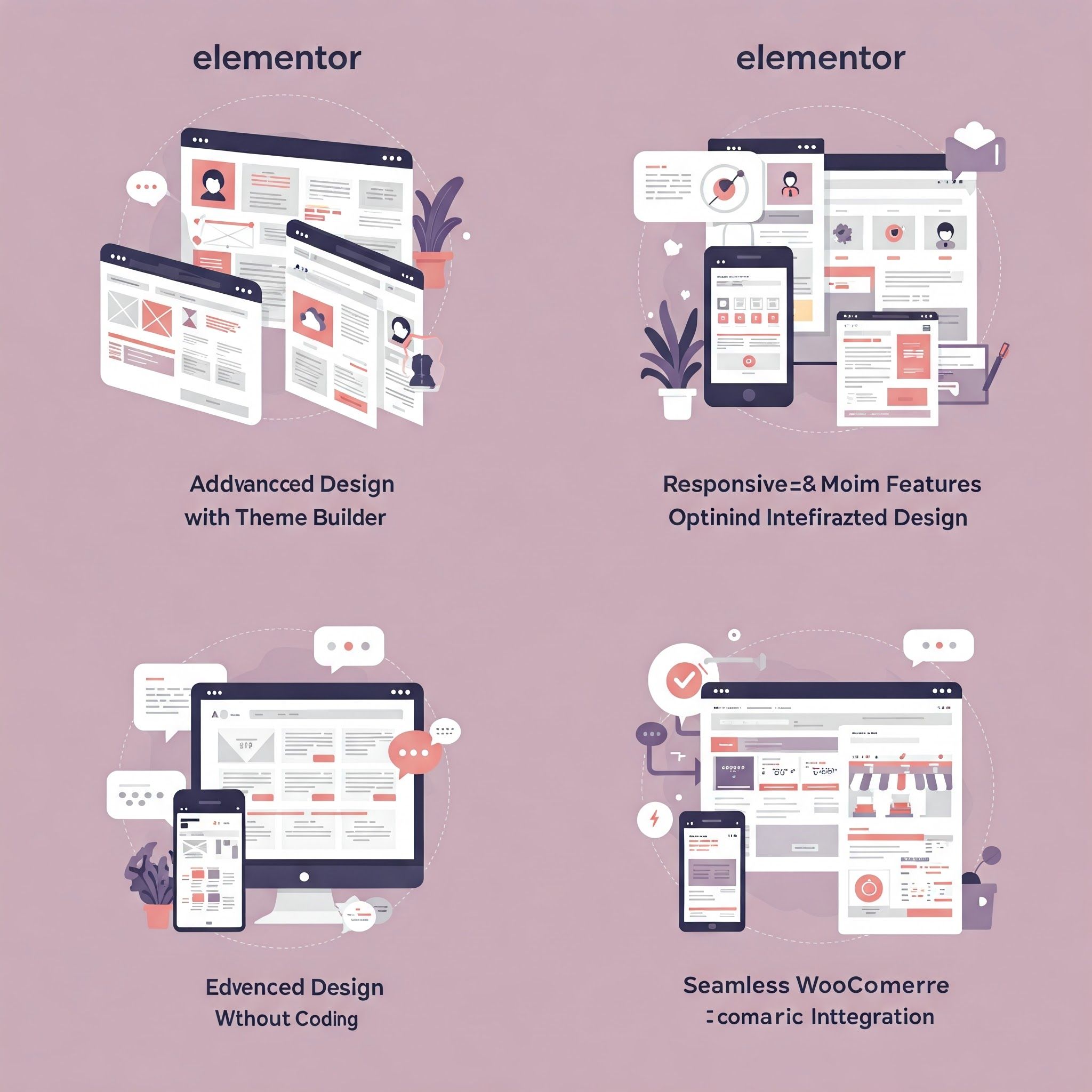
1. Full Website Customization with Theme Builder
With Elementor, there’s no need to write a single line of code. Unlike traditional page builders that impose design limitations, Elementor grants total creative freedom. It allows users to customize essential site elements like headers, footers, post layouts, and archive pages.
This flexibility helps maintain brand consistency across the website while enhancing user experience. Elementor also offers SEO-friendly customization options, ensuring better search rankings. When paired with reliable WordPress hosting, it even contributes to faster loading times.
2. Advanced Design Features Without Coding
No coding means no complications! Many non-technical users hesitate to hire web designers due to budget constraints. Elementor is a game-changer, offering dynamic animations, motion effects, parallax scrolling, hover interactions, and shape dividers.
With custom positioning, global color palettes, and typography settings, users can create visually striking websites. These features enhance the site's appearance, increasing user engagement.
3. Responsive and Mobile-Optimized Design
In today's competitive digital landscape, desktop-only websites are no longer sufficient. Studies show that 84% of internet users prefer mobile-responsive websites, with 50% relying on smartphones for online shopping.
Elementor ensures seamless navigation across devices by automatically resizing images and optimizing layouts for different screen sizes. Users can fine-tune column widths, image dimensions, and visibility settings to deliver a smooth experience on any device.
4. Seamless WooCommerce Integration
Elementor seamlessly integrates with WooCommerce, allowing users to create fully customized online stores. It offers dedicated widgets for dynamic product displays, categories, and essential e-commerce elements.
Users can design unique shop pages, modify product layouts, and personalize the checkout process to enhance the shopping experience. With Elementor, building an attractive and functional WooCommerce store is effortless.
Elementor vs. Other Page Builders – How Does It Compare?
Wondering if Elementor is the best choice? Here’s a quick comparison with other leading page builders:
| Feature | Elementor | Beaver Builder | Divi Builder | SeedProd |
|---|---|---|---|---|
| Interface | Drag-and-drop, live editing | Clean UI, live editing | Visual builder, complex | Drag-and-drop, focused on landing pages |
| Ease of Use | Beginner-friendly | Simple, easy for beginners | Steeper learning curve | Very user-friendly |
| Customization | Highly flexible, many widgets | Decent customization | Extensive options | Limited customization |
| WooCommerce Integration | Excellent, built-in features | Good integration | Good support | Limited WooCommerce features |
| Pricing | Free & paid versions | Paid only | Paid only | Free & paid versions |
| Template Library | Extensive templates | Growing selection | Large library | Focused on landing pages |
| Performance | Good, may slow with heavy designs | Optimized for speed | Can be resource-intensive | Lightweight, fast |
| Support | Detailed docs, active community | Excellent support | Strong community | Good for landing pages |
Installing Elementor in WordPress
- Visit Elementor’s official website and click the "Free Download" button.
- Enter your email in the pop-up window, or click “No thanks, just download Elementor” to start the download.
- Log in to your WordPress admin dashboard.
- Navigate to Plugins > Add New and click Upload Plugin to install Elementor.
Advantages of Using Elementor
Elementor offers a range of benefits, including:
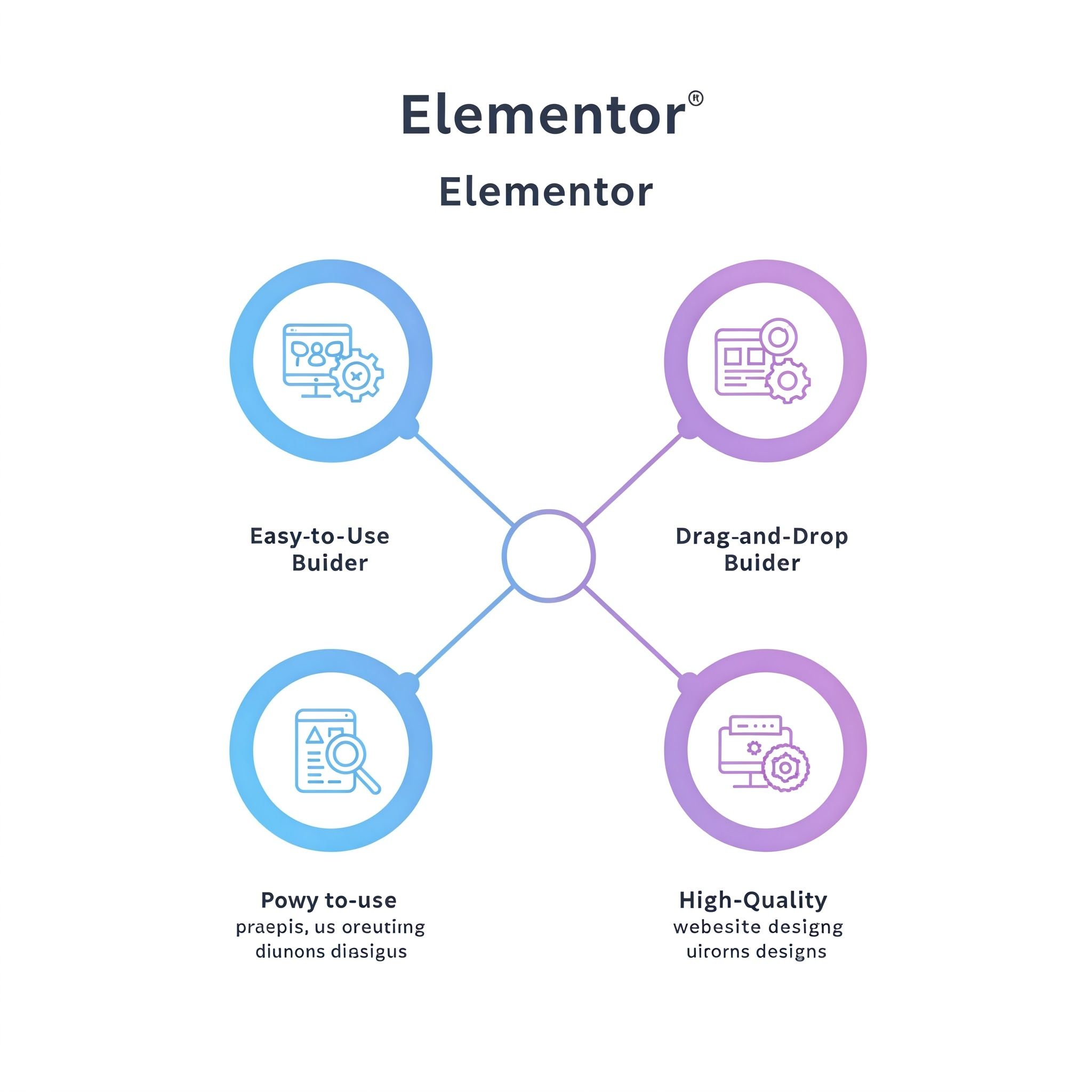
1. User-Friendly Interface
Elementor simplifies website creation with an intuitive design. No coding experience is necessary—just drag, drop, and customize elements with ease. Unlike competitors like Beaver Builder and Divi, Elementor offers greater flexibility for designing complex layouts.
2. Cost-Effective Solution
Elementor provides both free and paid plans. The free version is ideal for beginners, while the pro version unlocks advanced features at an affordable price. This cost-efficient approach makes it accessible to a wider audience.
3. Drag-and-Drop Functionality
Elementor’s real-time drag-and-drop interface enables users to arrange sections and widgets effortlessly. Customize colors, fonts, and layouts without touching a single line of code.
4. High-Quality Design Options
Professional web designers prefer Elementor for its customization features, extensive templates, and refined design elements. Unlike some developers who overlook minor design inconsistencies, Elementor ensures precision and consistency across all pages.
How to Use Elementor in WordPress
- Open a page or post and click Edit with Elementor to launch the Elementor editor.
- The interface consists of two sections: the left panel contains widgets and settings, while the right panel provides a live preview.
- Drag widgets from the left panel to the page to add text, images, buttons, and more.
- Customize each element using the Elementor panel—adjusting colors, spacing, and styles as needed.
- Quickly edit text by clicking directly within the page layout.
- Elementor tracks revisions, allowing users to undo changes like in Google Docs.
- Adjust font styles and color schemes site-wide using Elementor’s global customization options.
- Optimize the design for different devices by switching between desktop, tablet, and mobile views.
Final Thoughts
That’s everything you need to know about Elementor! As we've explored, Elementor is more than just a page builder—it’s a complete design platform that eliminates the need for coding. It offers precise control over every aspect of a website, ensuring a seamless user experience.
And just as Elementor helps you build stunning websites, Hosting Duty provides reliable hosting to keep them running smoothly. Their hosting solutions ensure optimal performance, so your beautifully designed Elementor site remains accessible to the world.
Unleash your creativity with Elementor, and let Hosting Duty handle the rest!
FAQs
Is Elementor beginner-friendly?
Yes! Elementor’s drag-and-drop interface makes it accessible for users with no prior experience. Its extensive template library further simplifies website creation.
Is Elementor free?
Elementor offers a free version with basic features. However, the premium Elementor Pro unlocks advanced design tools for a more comprehensive website-building experience.
How does Elementor compare to other page builders?
Elementor stands out with its real-time editing, vast template library, and powerful design features. Its ease of use and flexibility make it a preferred choice over competitors like Beaver Builder and Divi.
What’s the future of Elementor?
Elementor continues to evolve with AI integrations, enhanced design tools, and growing community support. Its position as a leading WordPress page builder is expected to remain strong.