 info@hostingduty.com
 Call us at 02269718986


Top WordPress Migration Plugins to Use in 2025


Migrating a WordPress website can be a daunting task, especially when shifting to a new hosting provider. While it may seem simple on the surface, there are several technical aspects involved — from transferring files and databases to ensuring zero downtime and preserving SEO.
To simplify the process, WordPress migration plugins offer a user-friendly, risk-free way to move everything — including themes, plugins, media, and database — with just a few clicks.
Here’s a curated list of the best WordPress migration plugins for 2025 that can streamline your migration experience.
What Are WordPress Migration Plugins?
WordPress migration plugins are tools that allow you to transfer your website from one host to another effortlessly. They enable you to:
Back up entire websites or selected content (themes, plugins, media, database)
Perform automated or manual backups
Avoid data loss or downtime during migration
Schedule regular backups
Restore your site in case of an issue
Whether you're a beginner or a pro, these plugins make the migration process quick and reliable.
Key Features to Look for:
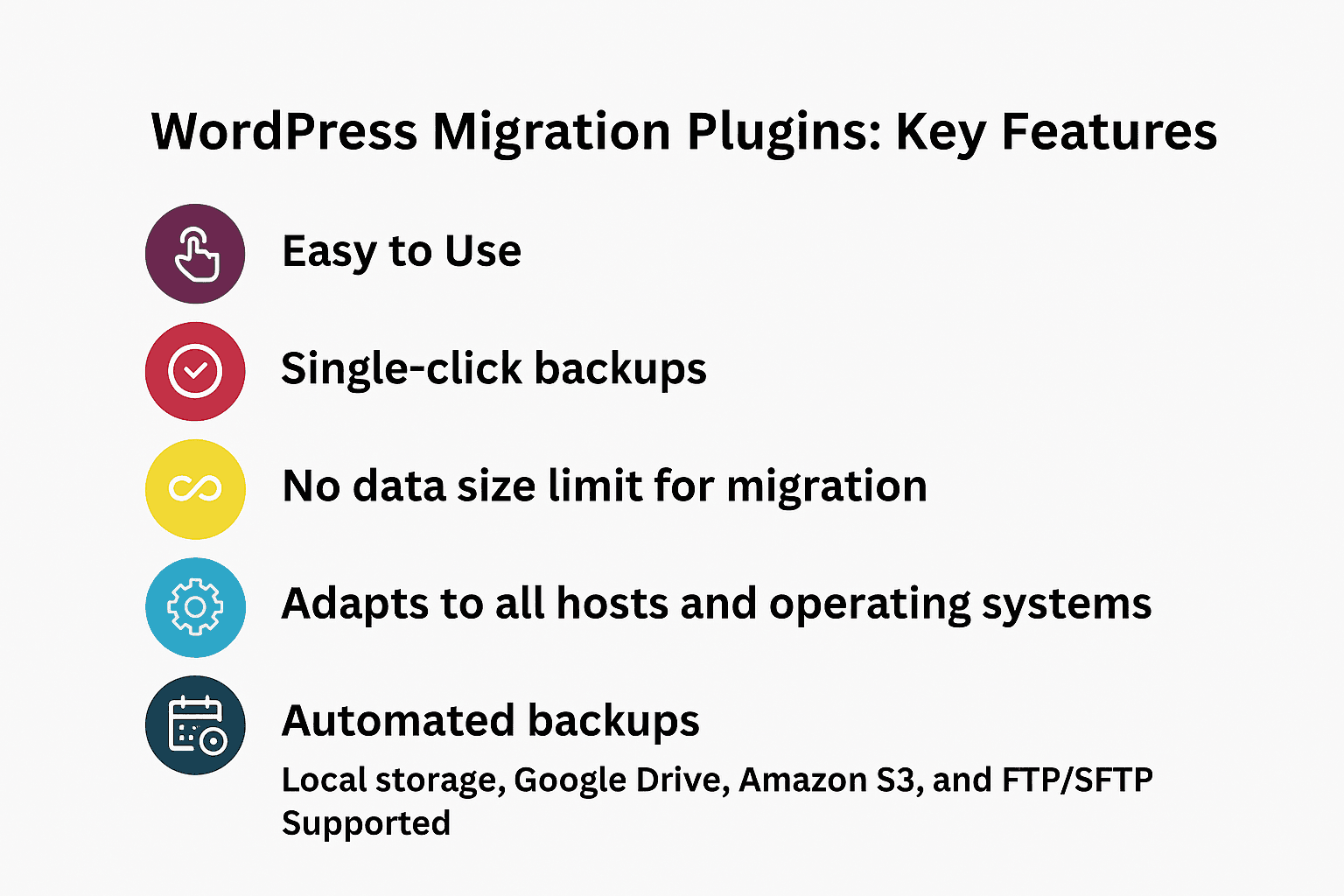
One-click backups & restores
Support for large websites (no file size limitations)
Automatic URL replacement during restoration
Compatible with all hosts & OS
Cloud storage options: Google Drive, Dropbox, Amazon S3, FTP/SFTP
Custom backups: Choose specific files, databases, or plugins
Why Use a Migration Plugin?
Manual migration using FTP can be time-consuming and risky — even a small misstep could result in data loss or downtime. Migration plugins:
Eliminate technical complexity
Protect your site’s SEO by preventing broken links
Help maintain uptime during the switch
Make cloning and staging hassle-free
Best WordPress Migration Plugins for 2025
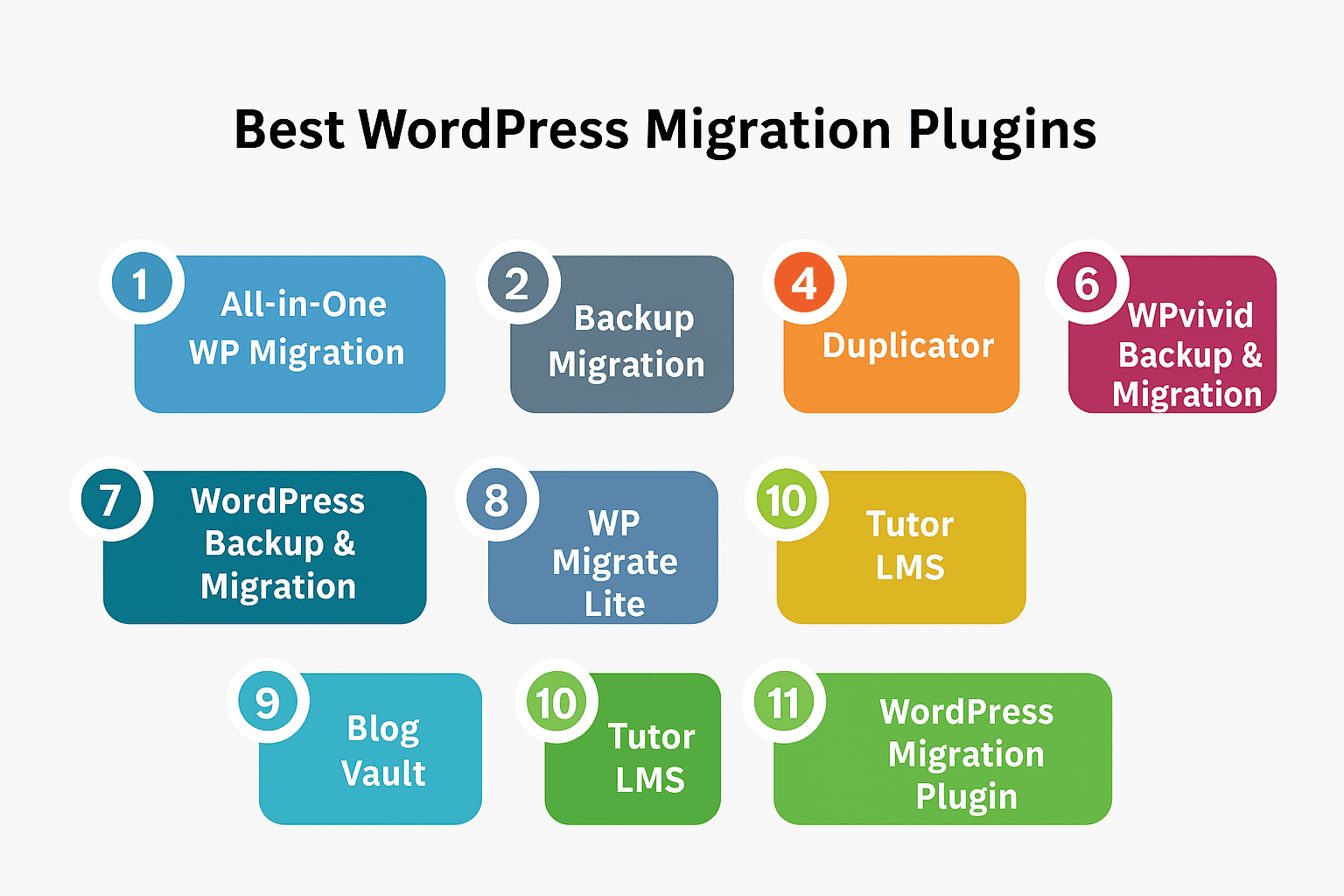
1. All-in-One WP Migration
A go-to tool for over 60 million users, All-in-One WP Migration offers:
Support for all hosts & OS
Multilingual support (50+ languages)
WCAG 2.1 AA compliance for accessibility
Drag-and-drop interface
Premium extensions for cloud backups
2. UpdraftPlus
Used by over 3 million websites, UpdraftPlus is ideal for backups and migrations:
One-click restore/migrate
Scheduled backups to cloud services
Plugin, theme, and database support
Easy integration for manual and automatic transfers
3. Backup Migration
Perfect for local or host-to-host migrations:
Free version supports up to 2GB
Manual and automated backups
GPLv3 license
Option to upgrade for larger backups
4. Duplicator
A powerful tool with 30M+ downloads:
Creates a zip file of your entire site
Handles serialized and base64 serialized data
Great for pre-configured site templates
Ideal for developers and large-scale migrations
5. WP STAGING
Clone your site for testing or backup:
Clones to subfolders or subdomains
Full database and file replication
Safe staging environment before going live
Perfect for updates and testing new plugins/themes
6. WPvivid Backup & Migration
All-in-one solution for backups, migrations, and staging:
Backup full site or specific components
Child site configuration support
Scheduled cloud backups
Dashboard to manage multiple sites
7. WordPress Backup & Migration (by WebToffee)
Beginner-friendly with robust features:
Manual or automated backups
Supports FTP/SFTP, OneDrive, Dropbox
ZIP, GZIP, TAR formats
Email notifications and status reports
8. WP Migrate Lite
Simplifies site export and migration:
Export database, themes, plugins, media
Find and replace URLs
Serialized data support to avoid corruption
One-click ZIP export
9. BlogVault
Reliable for managed WordPress hosting environments:
Free cloud storage & backup
Multi-site management
Client reporting and white labeling
Safe, automatic backups and seamless migrations
10. Tutor LMS Migration Plugin
Best for e-learning WordPress websites:
Transfers courses, quizzes, reviews, user data
Designed specifically for LMS environments
Easy click-based migration without data loss
11. Flywheel
Hosting-focused migration tool with automation:
Simple setup
Migration done by Flywheel’s bots
Email confirmation post-migration
Limited customization options
12. WordPress Migration Plugin by Transferito
Quick and free for up to 250MB:
Supports FTP, SFTP, and cPanel-based transfers
Choose databases and files to migrate
Great for lightweight websites
Final Thoughts: Which Migration Plugin Is Right for You?
There’s no universal “best” plugin — the ideal tool depends on your specific needs. For example:
Beginners might prefer All-in-One WP Migration or UpdraftPlus.
Developers and advanced users may go for Duplicator or WP Migrate Lite.
LMS owners will find Tutor LMS perfect for e-learning sites.
Managed hosting users might enjoy the seamless experience of BlogVault or Flywheel.
No matter your technical skill level or site size, these WordPress migration plugins can ensure a smooth, secure, and successful migration in 2025.