 info@hostingduty.com
 Call us at 02269718986


On-Premise vs. Cloud GPUs: A Comprehensive Guide for AI and Data Science
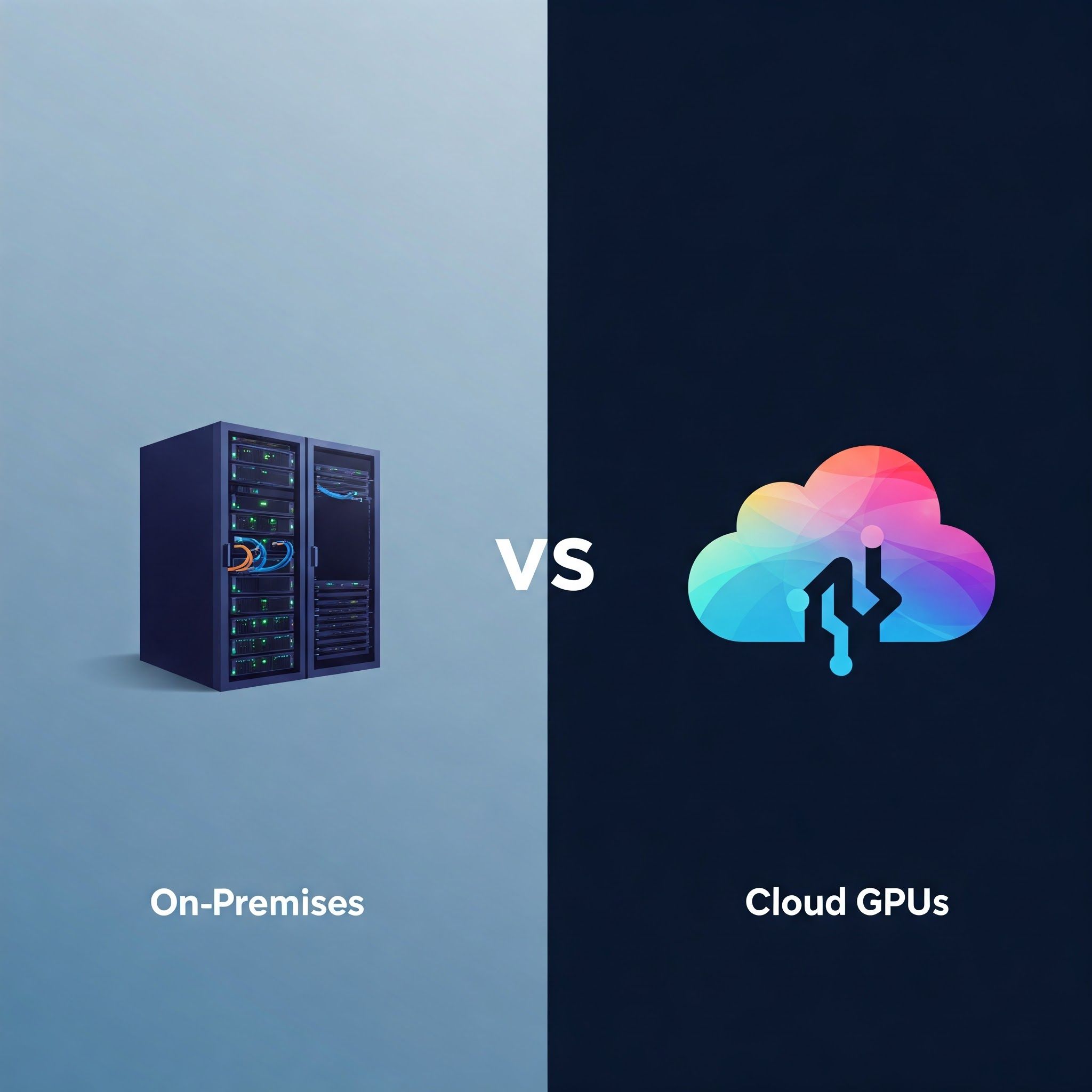
In today's fast-paced technological era, the demand for GPU computing power is at an all-time high. Whether for applications in AI, machine learning, data science, or gaming, users must decide between on-premise GPU servers and cloud GPU solutions.
Owning dedicated hardware offers full control and high performance, while cloud-based GPU solutions provide scalability and cost efficiency. This guide compares on-premise vs. cloud GPUs to help you make an informed decision based on your computational needs, budget, and long-term goals.
Table of Contents
- Understanding GPU Computing
- Why GPU Computing Matters
- Understanding On-Premise GPUs
- Understanding Cloud GPUs
- Key Considerations for Choosing On-Premise vs. Cloud GPUs
- A Quick Comparison: On-Premise vs. Cloud GPUs
- FAQs
Understanding GPU Computing
A Graphics Processing Unit (GPU) is a specialized processor designed to accelerate graphics rendering and parallel computing tasks. Unlike CPUs, which handle tasks sequentially, GPUs execute thousands or millions of parallel operations, making them ideal for high-performance workloads like deep learning, image processing, and simulations.
Why GPU Computing Matters
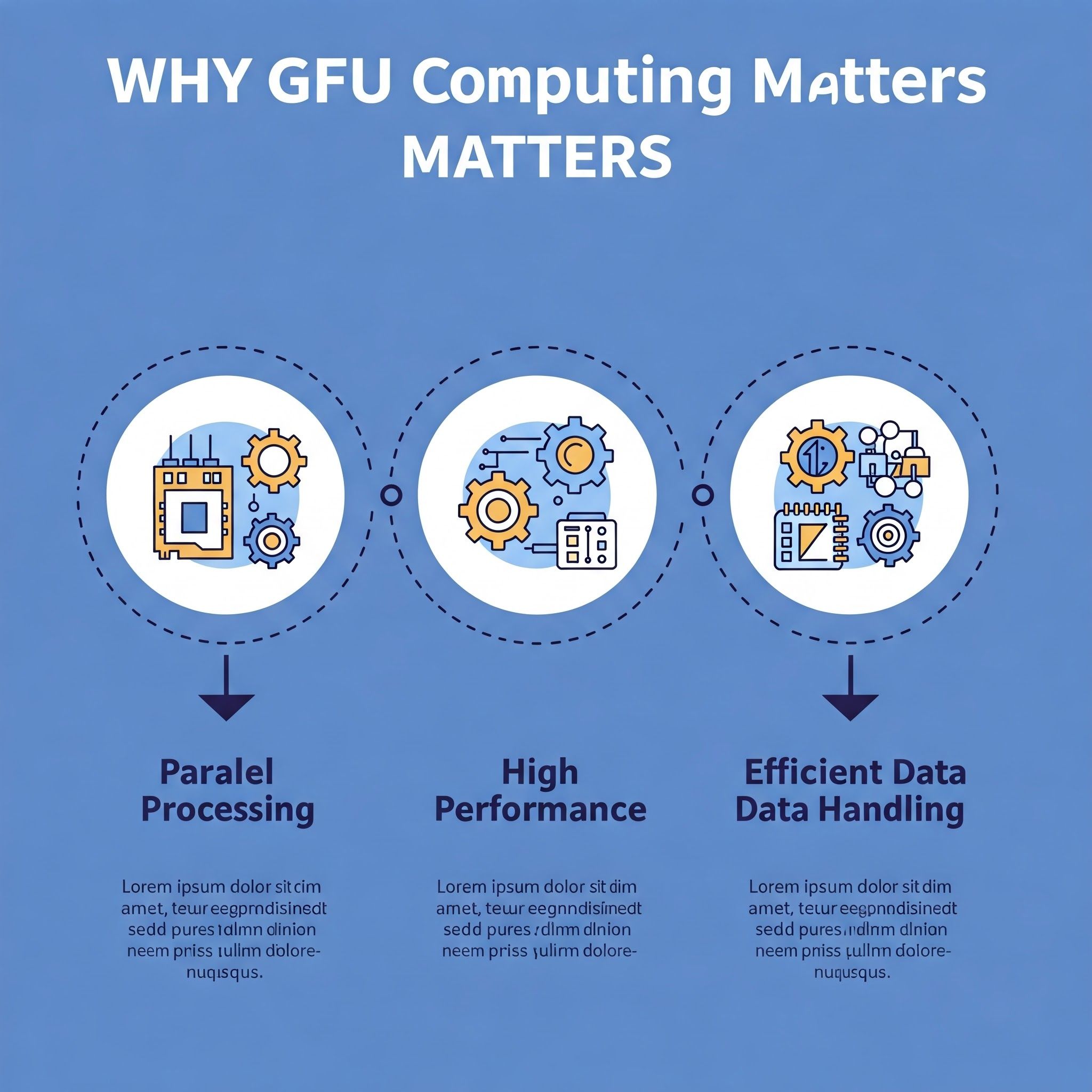
Advantages of GPU Computing:
- Parallel Processing: Executes multiple operations simultaneously for faster data processing.
- High Performance: Speeds up complex computations significantly.
- Efficient Data Handling: Handles large datasets efficiently, outperforming CPUs in data-intensive applications.
Understanding On-Premise GPU
An on-premise GPU refers to a GPU physically located within a company’s data center or server infrastructure. This setup provides complete ownership and control over computing resources.
Advantages of On-Premise GPU Solutions
- Full Control: Custom configurations and optimization.
- High Performance: Consistent, low-latency performance.
- Data Security: Ideal for industries requiring strict privacy measures.
Disadvantages of On-Premise GPU Solutions
- High Initial Investment: Expensive hardware and infrastructure costs.
- Maintenance Costs: Requires ongoing updates and servicing.
- Scalability Challenges: Expanding capacity requires significant investments and time.
Understanding Cloud GPU
A cloud GPU is a remotely hosted GPU server accessible via the internet. Cloud providers like AWS, Azure, and GCP offer flexible pricing models, enabling users to rent resources as needed.
Advantages of Cloud GPU Solutions
- Cost Efficiency: Pay-as-you-go pricing minimizes initial expenses.
- Rapid Deployment: Quickly set up GPU instances.
- Managed Services: Cloud providers handle maintenance and upgrades.
Disadvantages of Cloud GPU Solutions
- Latency Issues: Network dependence can introduce delays.
- Vendor Lock-in: Switching providers may be costly.
- Security Risks: Shared infrastructure poses potential vulnerabilities.
Key Considerations for Choosing On-Premise vs. Cloud GPUs
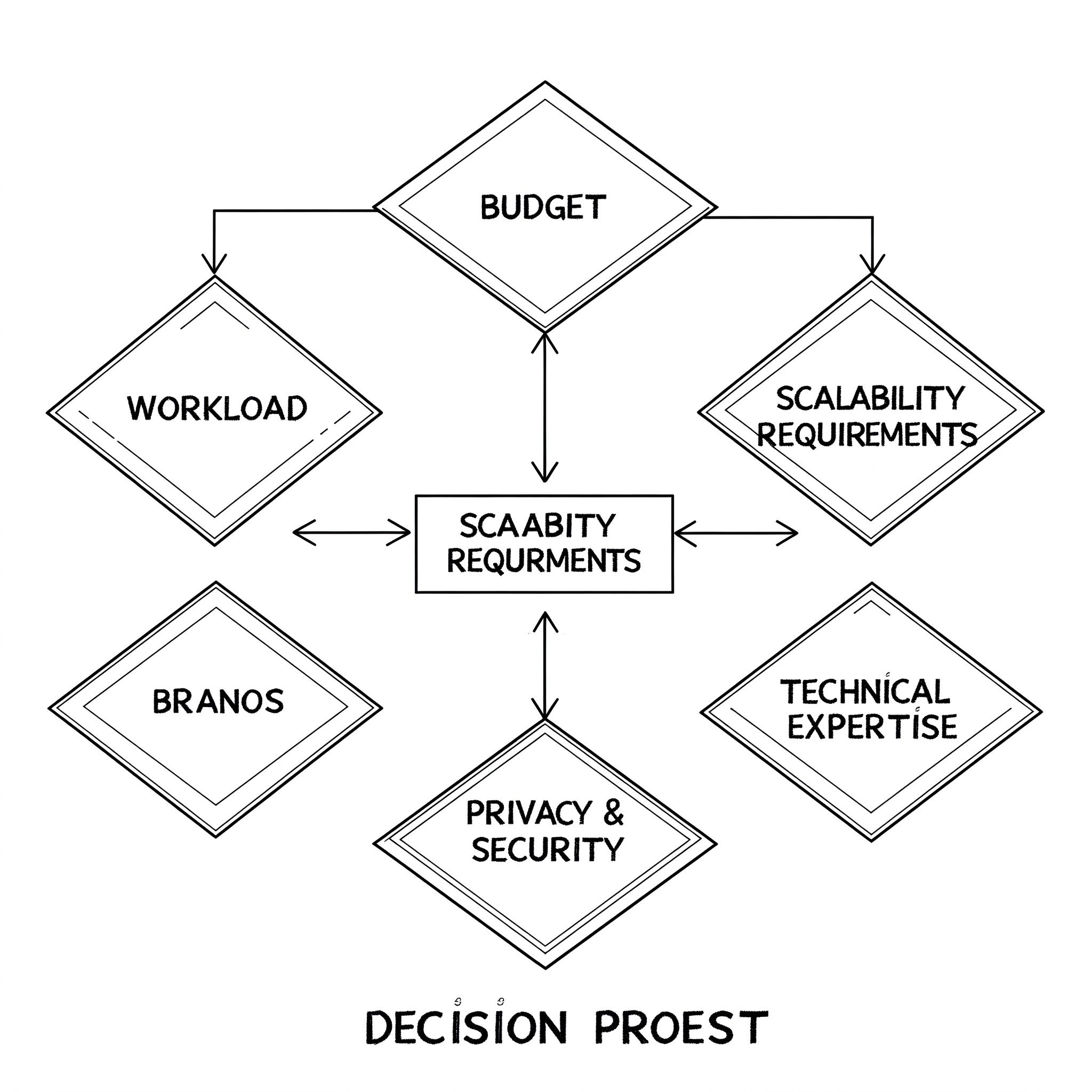
1. Workload Requirements
- Continuous, high-compute workloads → On-Premise
- Short-term, variable workloads → Cloud GPU
2. Budget Constraints
- High capital expenditure upfront → On-Premise
- Flexible, operational costs → Cloud GPU
3. Scalability Needs
- Limited expansion flexibility → On-Premise
- Instant scalability → Cloud GPU
4. Data Security & Compliance
- Strict security requirements → On-Premise
- General compliance and convenience → Cloud GPU
5. Technical Expertise
- Requires in-house expertise → On-Premise
- Managed service reduces technical burden → Cloud GPU
A Quick Comparison: On-Premise vs. Cloud GPU
| Criteria | On-Premise GPU | Cloud GPU |
|---|---|---|
| Initial Cost | High | Low (Pay-as-you-go) |
| Maintenance | Requires in-house IT | Managed by provider |
| Scalability | Limited | Highly flexible |
| Performance | Consistent | Dependent on network |
| Security | High | Shared infrastructure risks |
| Customization | Full control | Limited by provider |
| Geographical Flexibility | Restricted to location | Accessible globally |
| Environmental Impact | High energy consumption | Optimized by providers |
| Access to Latest Hardware | Limited to upgrade cycles | Always up-to-date |
Conclusion
The choice between on-premise and cloud GPU solutions depends on factors like cost, scalability, performance, and security. On-premise GPUs offer control and performance consistency but come with high costs and maintenance requirements. Cloud GPUs, on the other hand, provide flexibility, scalability, and lower initial costs but can have latency issues and vendor lock-in concerns.
Ultimately, your decision should align with your specific workload, budget, and long-term computational needs. With the rapid evolution of AI and cloud technologies, businesses must stay adaptable to leverage the best GPU computing solutions for their projects.
FAQs
1. Which is more cost-effective: On-premise or cloud GPU?
Cloud GPUs are typically more cost-effective for short-term or variable workloads due to their pay-as-you-go model, while on-premise GPUs may be more economical for long-term, consistent workloads.
2. How does latency impact cloud GPUs?
Cloud GPUs rely on network connectivity, which can introduce latency issues. This is particularly important for applications requiring real-time processing.
3. Can I use both on-premise and cloud GPUs together?
Yes, hybrid models allow businesses to combine on-premise GPUs for critical workloads with cloud GPUs for scalability.
4. What security risks are associated with cloud GPUs?
Cloud GPUs share infrastructure with other users, which can pose security risks. However, leading providers offer robust security measures to mitigate these risks.
5. How do I decide which option is best for my needs?
Consider factors such as workload consistency, budget, scalability, security requirements, and technical expertise before making a decision.