 info@hostingduty.com
 Call us at 02269718986


Essential WordPress Plugins Every Developer Should Have

Creating a robust and efficient WordPress website with WordPress hosting is less about writing complex code and more about utilizing the right tools. Whether your goal is to simplify workflows, debug code, or enhance functionality, the best WordPress developer plugins can significantly improve your development process. These plugins help optimize performance and solve challenges, offering everything from advanced debugging tools to performance-enhancing features. Explore our carefully selected list of essential WordPress plugins for developers to see how they can streamline your development process and improve the flow of your WordPress projects.
Table of Contents
- Introduction to WordPress Developer Plugins
- How WP Developer Plugins Improve Website Development
- Essential WordPress Plugins for Developers
- Top WP Developer Plugins
- WordPress Plugins for Specialized Needs
- WordPress Plugins to Boost Performance
- WP Developer Plugins for Debugging and Fixing Issues
- WordPress Plugins for SEO and Security
- How to Choose the Right WordPress Developer Plugin
- Best Practices for Integrating WP Plugins into Development
- FAQs
Introduction to WordPress Developer Plugins
WordPress developer plugins simplify the website creation process. These plugins are designed to handle various tasks such as:
- Information Access: Tools for viewing internal technical details like database queries and debug logs.
- Faster Testing: Plugins that allow easy account switching, template hierarchy viewing, and cross-browser testing.
- Enhanced Functionality: Plugins that enable management of cron events within the WordPress Admin area.
- Custom Development: Add snippets of PHP code, custom fields, and custom CSS to enhance your site.
From improving performance to optimizing workflows, these plugins provide solutions that streamline WordPress website development.
How WP Developer Plugins Improve Website Development
WP developer plugins make the development process more efficient by automating tedious tasks and making complex features easier to implement. Here’s how they help:
Automating Repetitive Tasks: Tasks like debugging, backups, or database management can be time-consuming. WP developer plugins automate these tasks, reducing errors and improving efficiency. For example, automated backup plugins or version control plugins help manage changes without needing constant supervision.
Related: Why Regular Backups Are Crucial for WordPress Website Security?
- Optimizing Workflows: Efficient workflows are key to successful development. Plugins like drag-and-drop builders combined with integrated code editors or real-time collaboration tools simplify complex tasks, letting developers focus more on creation and less on administrative work.
- Implementing Advanced Features: The best WP plugins often come with advanced features such as SEO optimization, performance monitoring, and API integrations. These allow developers to enhance WordPress functionality without extensive custom coding, saving both time and effort while still achieving high-quality results.
In summary, WordPress developer plugins play a pivotal role in streamlining processes and making complex tasks easier, helping developers achieve more with less effort.
Must-Have WordPress Plugins for Developers
WordPress plugins are vital for developers as they enhance functionality and improve workflows. A well-rounded plugin collection should include tools that tackle critical needs, making complicated tasks more manageable.
Key Features of Essential WordPress Developer Plugins Include:
- Performance Optimization: Plugins that improve website speed by reducing resource usage and enhancing load times are essential for creating fast, user-friendly websites.
- Debugging Tools: Plugins that help developers quickly identify and fix issues, ensuring clean and efficient code during development.
- Security Enhancements: Protecting websites from vulnerabilities is crucial. Plugins that include malware scanning, firewalls, and regular updates are vital for maintaining the security of both websites and user data.
By utilizing these top WordPress developer plugins, developers can focus on innovation while ensuring their projects are completed efficiently and with high quality.
Top WordPress Developer Plugins
Choosing the right tools is crucial for efficient WordPress development. Here's a curated list of top WordPress developer plugins that can significantly improve productivity and simplify tasks:
1. Query Monitor
Query Monitor is a powerful developer tool for WordPress that provides extensive insights into the performance of your website. It allows you to examine a vast amount of data from any page, whether on the front-end or in the WordPress admin panel.
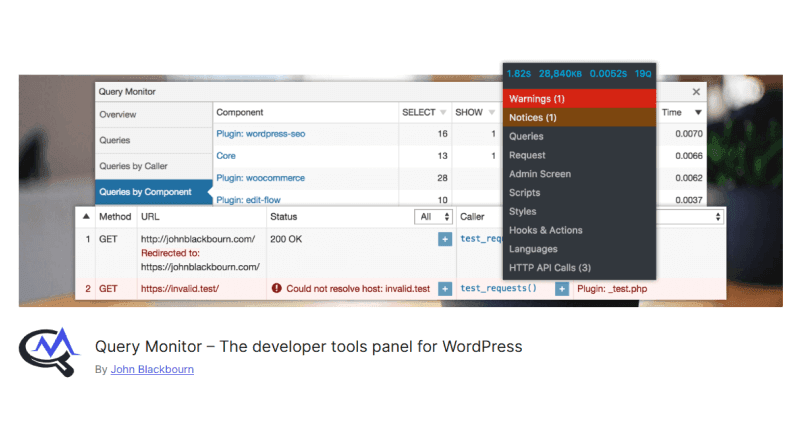
Once activated, Query Monitor is accessed through a menu item in the WordPress toolbar. This opens a detailed panel similar to the Chrome Developer Tool, where you can analyze:
- Database query breakdowns (including time and queries from themes and plugins)
- Template hierarchy of the page
- Blocks used on the front-end page
- JavaScript and CSS files loaded on the page
- Hooks and actions with their priorities
- Server-side HTTP API calls
- WordPress capability checks for user access
- Conditions for the current page, such as
is_front_page()oris_page_template()
This plugin is free, making it an excellent tool for developers to debug and optimize WordPress websites.
2. Advanced Custom Fields (ACF)
Advanced Custom Fields simplifies the creation of custom fields in WordPress, enabling developers to add dynamic content without writing code. ACF allows you to organize fields into groups with a user-friendly visual interface in the WordPress admin.
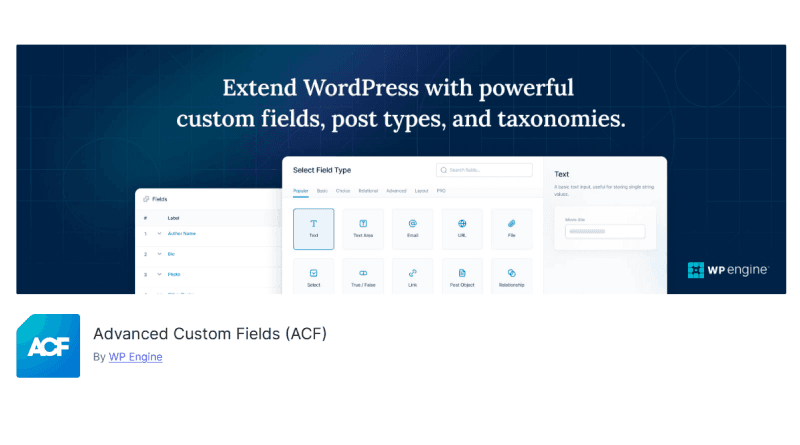
Key features include a wide range of field types (including repeater fields), custom blocks created with a PHP-based framework, and APIs to display field data on the front-end. The free version covers many use cases, while the premium version ($49) offers more features.
Other notable plugins for creating custom fields include Pods and Meta Box.
3. WP Reset
WP Reset helps developers quickly reset their WordPress installation by removing customizations, media, and tweaks while keeping the core structure intact. It allows you to create snapshots of your website, which can be restored with a single click if something goes wrong.
Key features:
- Manual or automatic snapshots
- Different reset levels (options reset, website reset, nuclear reset)
- WP-CLI support
- Partial resets (media-only or plugin-only)
- Multisite support
WP Reset is available in a free version, with Pro upgrades starting at $39 per year.
4. Developer Plugin
The Developer plugin by Automattic is a must-have for WordPress developers. It offers tools to configure your development environment and ensures your IDE is optimized for WordPress development. The plugin also adds new items to the WordPress admin tools for further assistance.
This plugin is free and provides essential resources for any WordPress development project.
5. UpdraftPlus
UpdraftPlus is a must-have backup solution for WordPress developers. It allows for manual or automated backups of your site, including options for local, server-side, or remote storage.
Features:
- Backup scheduling
- Multiple storage options (local, remote, or server-side)
- Backup of specific files
- Multisite support
- WP-CLI integration
The free version is quite comprehensive, with premium plans starting at $70 per year for up to two licenses.
Essential WordPress Plugins for Developers with Unique Project Requirements
For projects with specific needs, certain WordPress developer plugins prove invaluable. These specialized plugins are designed to address unique challenges, enabling developers to tackle advanced tasks with ease.
WordPress Developer Plugins:For Accelerating Performance
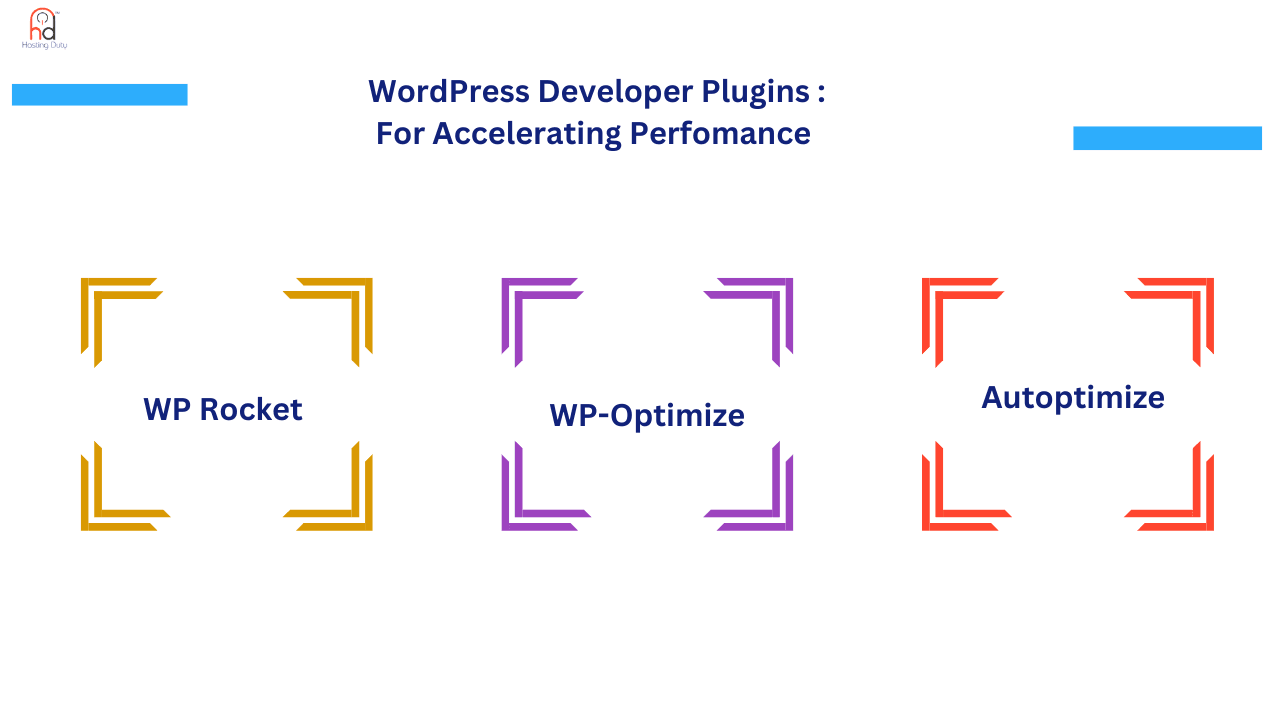
6. WP Rocket
WP Rocket is a robust caching plugin designed to speed up WordPress websites. It automatically generates static HTML files to reduce page load times and optimize website performance.
Features:
- Automatic caching and GZIP compression
- Browser caching to speed up delivery
- Lazy loading for images and videos
- Minification and concatenation of CSS and JavaScript files
- Database optimization
- CDN integration
WP Rocket is a paid plugin, but its ease of use and comprehensive features make it worth the investment.
7. WP-Optimize
WP-Optimize is an all-in-one performance plugin for WordPress. It includes caching, image compression, database cleaning, and file minification to enhance website speed.

Features:
- Caching and GZIP compression for faster load times
- Image compression (lossy and lossless options)
- Database optimization by removing unnecessary data
- Minification of CSS and JavaScript files
WP-Optimize is available in both free and premium versions, with multisite support in the premium version.
8. Autoptimize
Autoptimize is a free plugin that enhances website performance by optimizing JavaScript, CSS, HTML, images, and Google Fonts. It aggregates and minifies files to reduce file size, improving page load times.

Premium features:
- Image optimization
- Content Delivery Network (CDN) integration
- Automatic critical CSS generation
Autoptimize is easy to install and offers powerful optimization tools to improve WordPress website performance.
WordPress Developer Plugins: Essential for Debugging and Bug Fixing
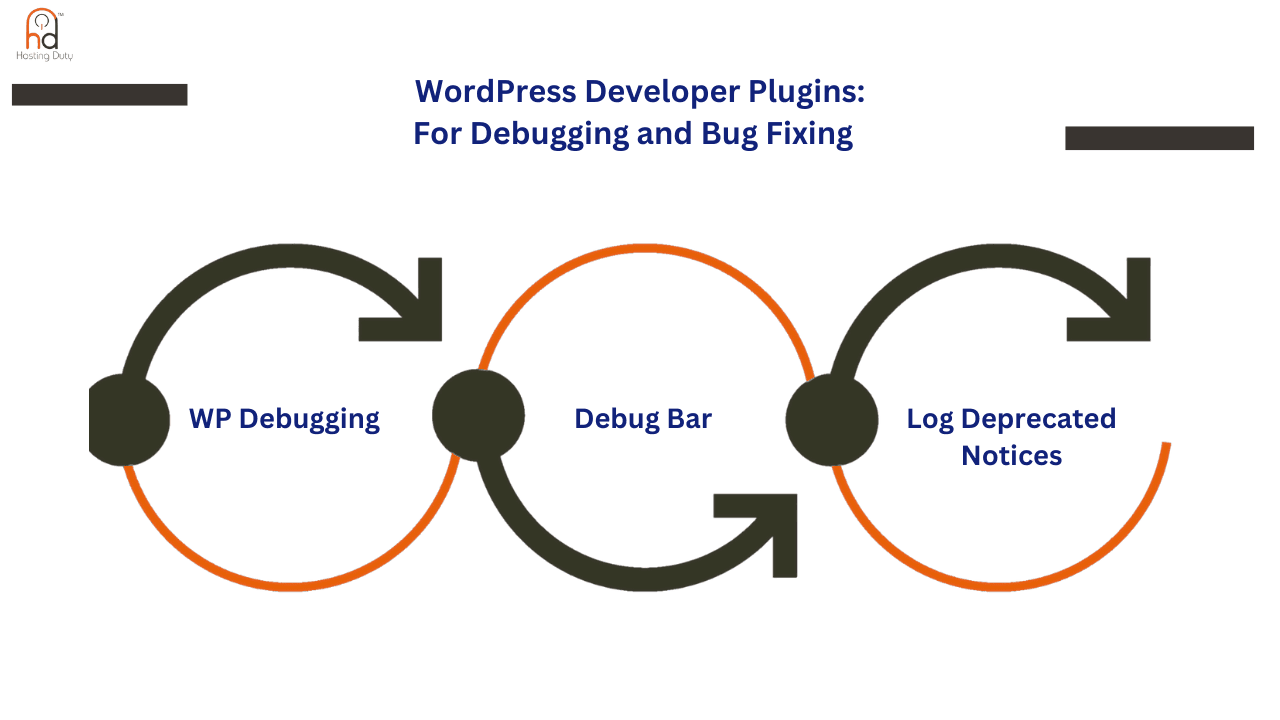
Debugging and bug fixing play a crucial role in ensuring the smooth operation and maintenance of a WordPress website. Without proper tools to identify and resolve errors, even minor issues can escalate and negatively impact the website's functionality and user experience. Thankfully, there are several specialized plugins available that are designed to help developers efficiently troubleshoot and address problems. These plugins not only detect errors but also provide detailed insights into their root causes, making the debugging process more streamlined and effective. By leveraging these tools, developers can maintain the stability and reliability of WordPress websites while saving time and effort.
9. WP Debugging
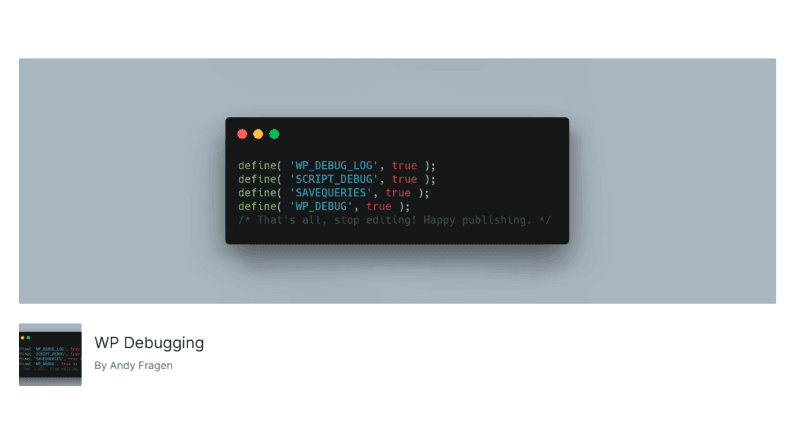
WP Debugging simplifies the debugging process by adding necessary constants to the wp-config.php file, enabling built-in WordPress debugging tools. It streamlines error identification and resolution.
Features:
- Fast access to error logs
- Compatible with plugins like Query Monitor and Debug Bar for enhanced debugging
- Works in development environments to identify issues quickly
WP Debugging is free and helps developers maintain reliable WordPress websites.
10. Debug Bar
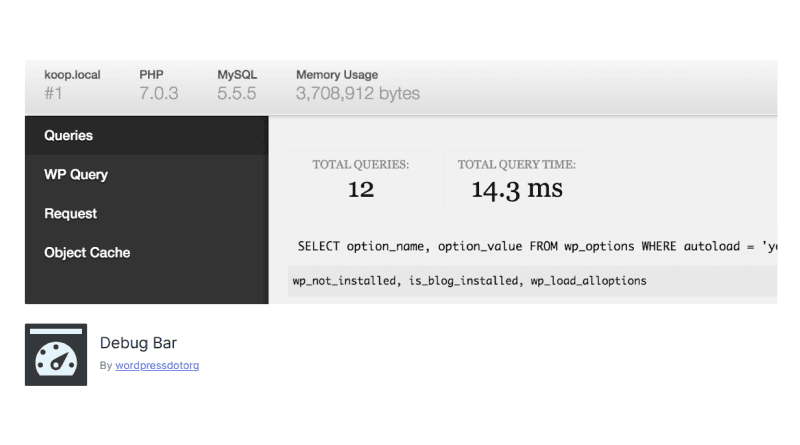
Debug Bar adds a technical information panel to the WordPress toolbar, providing insights into database queries, caching, request details, and more. It can be extended with add-ons for additional functionality.
Examples of add-ons:
- Debug Bar Cron: Displays scheduled events.
- Debug Bar Transients: Shows information about WordPress transients.
Debug Bar is free and essential for developers looking to troubleshoot WordPress websites efficiently.
11. Log Deprecated Notices
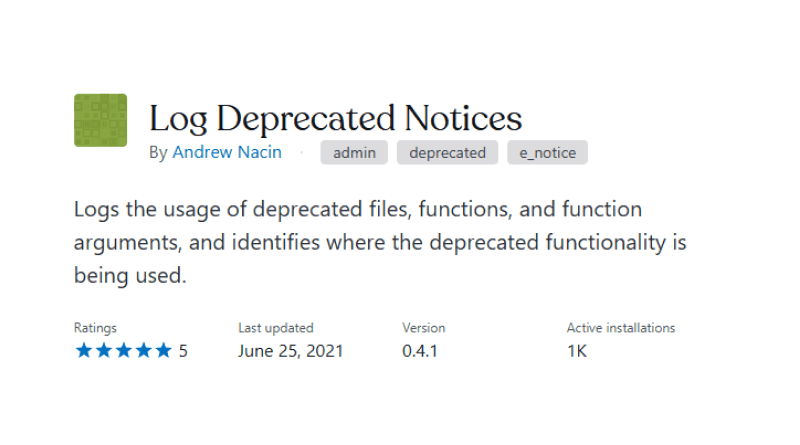
The Log Deprecated Notices plugin helps developers track deprecated functions and methods, making it easier to update code and stay compliant with the latest WordPress standards. It helps identify outdated code and suggests alternatives, ensuring a smooth transition to newer WordPress versions.
This plugin is free and beneficial for keeping WordPress websites secure and up-to-date.
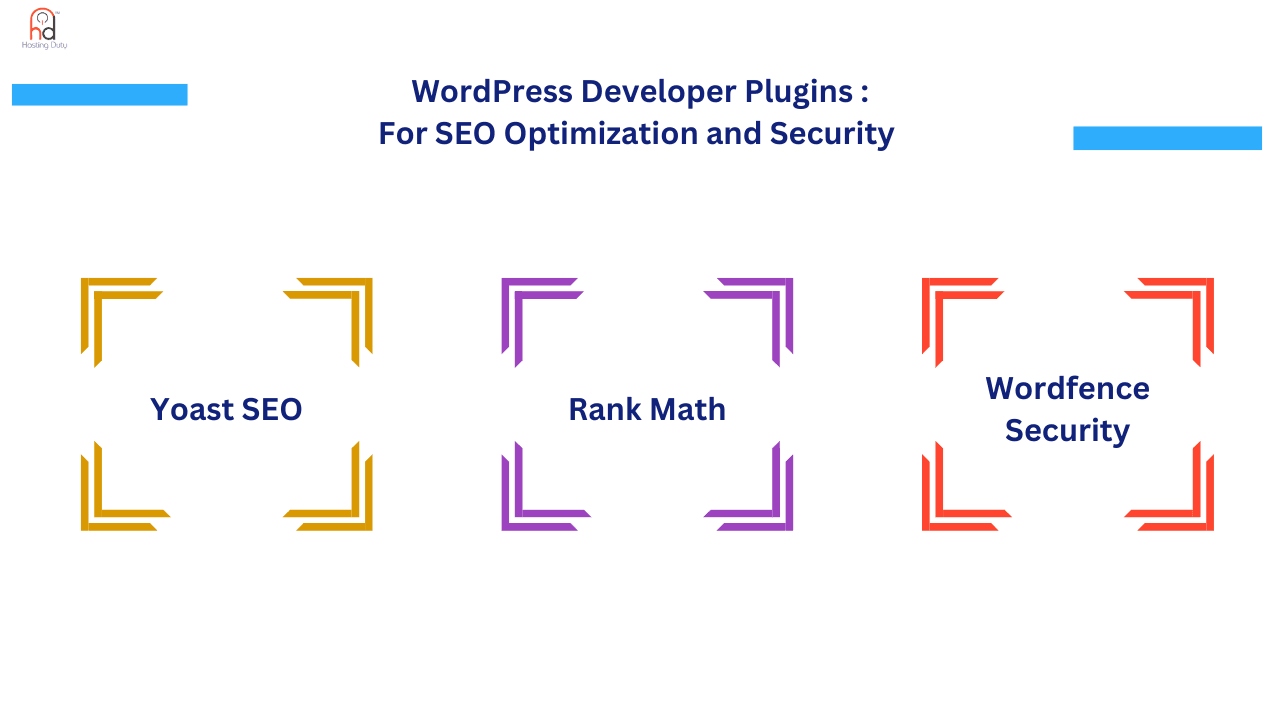
12. Yoast SEO
Yoast SEO is a comprehensive plugin for improving the SEO of WordPress websites. It provides advanced features such as meta tag optimization, XML sitemaps, and content analysis to help websites rank higher on search engines.
Key features:
- Automated technical SEO improvements
- AI-generated suggestions for titles and meta descriptions
- SEO and readability analysis for content
Yoast SEO is easy to use and suitable for developers and content creators looking to optimize their website for search engines.
13. Rank Math
Rank Math is an SEO plugin that enhances website performance by offering AI-powered suggestions, schema markup, and Google Search Console integration. It simplifies SEO optimization for both beginners and experienced developers.
Features:
- AI-driven content analysis
- Google Search Console integration
- Multiple schema types for rich snippets
Rank Math helps improve search engine rankings and generate organic traffic through advanced SEO tools.
14. Wordfence Security
Wordfence Security is an all-in-one security plugin for WordPress, providing a firewall, malware scanner, and real-time traffic monitoring. It protects your website from malicious threats and unauthorized access.
Features:
- Endpoint firewall and malware scanner
- Two-factor authentication (2FA) for login security
- Live traffic monitoring
- Protection against brute force attacks
Wordfence is a comprehensive security solution to safeguard your WordPress website.
These WordPress plugins will assist developers in optimizing, debugging, and securing their websites while improving performance and SEO. Whether you're creating a custom website or troubleshooting issues, these plugins are essential tools for effective WordPress development.
How to Choose the Right WordPress Developer Plugin
Selecting the right WordPress developer plugin is essential for optimizing your website’s performance. To make an informed decision, consider the following factors:
Identify Your Needs: Clearly define your requirements so you can choose a plugin that meets your specific needs.
Ratings and Reviews: Check the ratings and user reviews for insights on the plugin’s reliability and effectiveness. Positive feedback typically indicates a trustworthy plugin.
Support and Updates: Opt for a plugin that offers consistent updates and strong support to ensure compatibility with the latest WordPress versions.
Compatibility: Ensure the plugin is compatible with your WordPress version and other installed plugins to avoid conflicts.
By considering these factors, you can choose a plugin that not only meets your development needs but also contributes to building a secure and functional website.
Related: Best WordPress Security Tips With and Without Plugins
Best Practices for Integrating WordPress Plugins into Your Development Workflow
When integrated properly, WordPress developer plugins can streamline workflows, save time, and improve efficiency. Here are some best practices to optimize plugin integration:
Check Compatibility: Before adding a plugin, ensure it is compatible with your WordPress version and other tools in use to prevent potential conflicts.
Select Essential Plugins: Avoid overloading your site with unnecessary plugins. Focus on those that address specific needs to keep your website efficient.
Monitor Performance: Keep an eye on how plugins affect your site’s performance. Over time, some plugins may slow down your website, so consider optimizing or removing unused ones.
Update Regularly: Regularly update your plugins to maintain compatibility and enhance security.
By following these best practices, you can ensure that your WordPress plugins are effectively integrated, keeping your site optimized and reducing development time.
Conclusion
Implement These WordPress Developer Plugins Now! Whether working on your own site or a client's, the WordPress developer plugins mentioned above can enhance your website by offering key debugging information and streamlining the development process.
For those using Hosting Duty’s Alpha Cloud WordPress hosting plan, installing these plugins unlocks a wealth of development resources, including the REST API, a WordPress-optimized stack, automatic updates, staging environments, and more.
FAQs
1. Are WordPress developer plugins useful for debugging and troubleshooting?
Yes, WordPress developer plugins are highly effective for debugging and troubleshooting. They offer various features to help identify errors, track performance, and optimize code, making it easier to locate and fix issues.
2. Can WordPress plugins optimize code and improve performance?
Yes, the right WordPress plugins can enhance code optimization and website performance. They automate tasks, speed up loading times, and help with resource management, improving overall efficiency.
3. How do top WordPress developer plugins enhance website security?
Top WordPress developer plugins help secure your website by incorporating firewalls, malware scanners, login protection, and real-time threat detection. For example, the Wordfence plugin provides robust protection against brute-force attacks, detects vulnerabilities, and offers regular updates to safeguard against emerging threats.
4. How do WordPress developer plugins help improve my development skills?
WordPress developer plugins simplify complex tasks by automating repetitive processes and adding useful features. This allows you to focus on critical development tasks while learning how to install and optimize plugins to achieve higher performance, security, and improved standards, thus enhancing your overall development skills.