 info@hostingduty.com
 Call us at 02269718986


Comprehensive Review of WordPress Page Builder Plugins
Designing a website shouldn’t feel like solving a complex puzzle. Thanks to WordPress page builder plugins, bringing your creative vision to life is now simpler than ever. Whether you need a free plugin to start or a premium one for advanced features, these tools offer flexibility in crafting stunning, fully functional websites. With drag-and-drop interfaces, customizable templates, and intuitive controls, WordPress page builders empower you to turn ideas into reality without coding.
Let’s explore the best WordPress page builder plugins and see why WordPress hosting remains the top choice for web development.
Table of Contents
- WordPress Page Builder Plugins
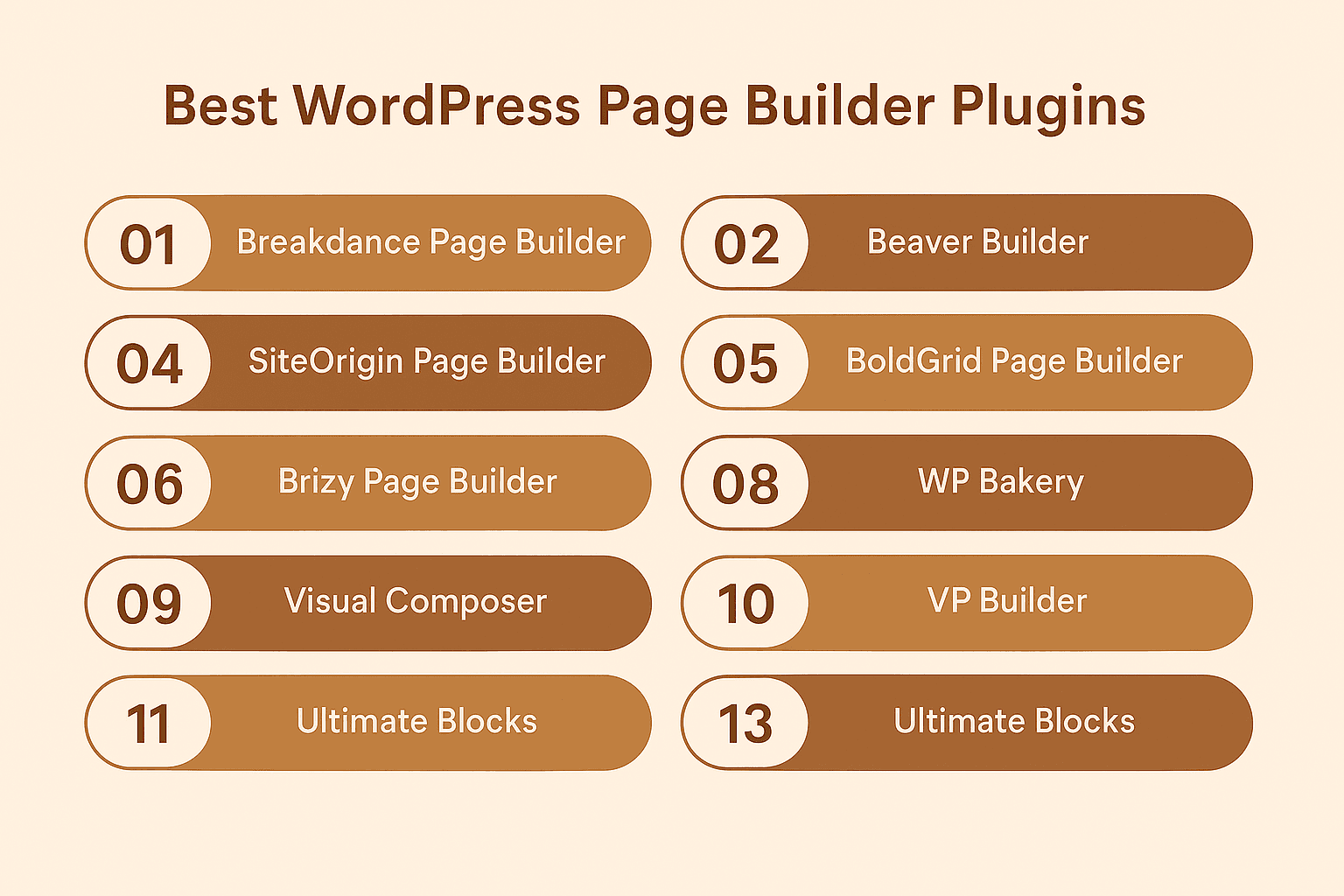
- In-Depth Review of 13 Top WordPress Page Builder Plugins
- Breakdance
- Elementor
- Beaver Builder
- SiteOrigin
- BoldGrid
- Brizy
- Spectra
- SeedProd
- Visual Composer
- WP Bakery
- Zion
- Divi Builder
- Ultimate Blocks
- How to Choose the Best Website Builder Plugin
- Expert Recommendations
- FAQs
WordPress Page Builder Plugins
A WordPress page builder plugin simplifies website creation by enabling dynamic layouts without coding. These tools provide pre-designed templates and real-time drag-and-drop editing, making web design accessible to everyone.
With these plugins, you can:
- Drag and drop elements like blocks to build pages effortlessly.
- Customize colors, fonts, and layouts to match your brand.
- Optimize for mobile with responsive design settings.
- Enhance functionality with widgets, forms, and dynamic content.
In short, WordPress page builders streamline website creation, letting you focus on content and user experience rather than technical hurdles.
Expert Review: 13 Best WordPress Page Builder Plugins
Here’s a detailed comparison of the top WordPress page builders, covering free and premium options, features, usability, and performance.
1. Breakdance Page Builder
Breakdance Page Builder
A powerful drag-and-drop builder with 130+ elements, WooCommerce integration, and dynamic data support. Ideal for beginners and professionals.
Key Features:
- Full website editing
- Popup & form builder
- Global styling & design library
- SEO & performance optimized
Pricing: $199.99/year (unlimited sites)
2. Elementor Page Builder
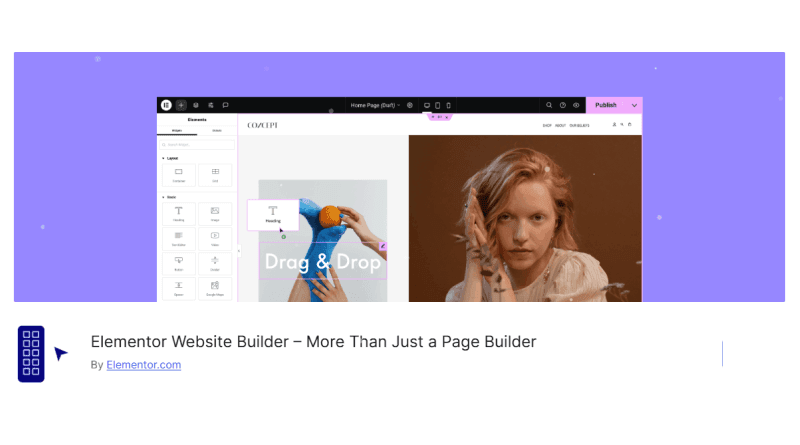
Elementor Page Builder
The most popular free WordPress builder with 100+ widgets and a Pro version ($59/year) for advanced features.
Key Features:
- Live drag-and-drop editor
- 100+ pre-made templates
- Sticky headers & scroll effects
- Premium support
3. Beaver Builder

Beaver Builder
A user-friendly builder with 200,000+ active installs and a 5-star rating.
Key Features:
- Drag-and-drop interface
- Responsive design
- Template library
- Unlimited site usage
Pricing: Starts at $99/year
4. SiteOrigin Page Builder
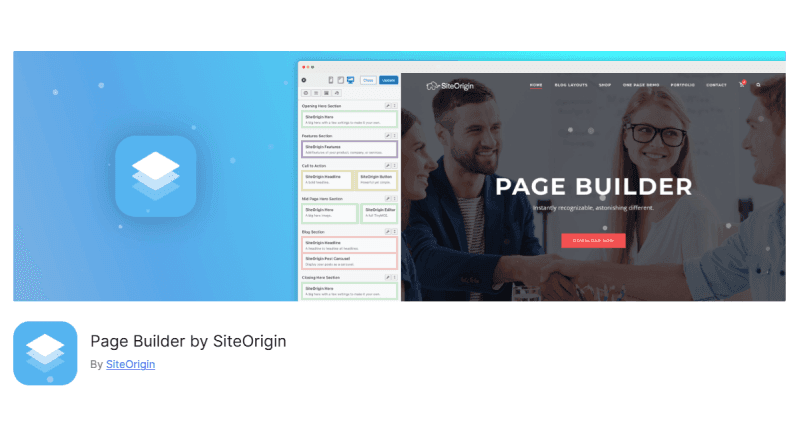
SiteOrigin Page Builder
A lightweight option with WooCommerce support and live editing.
Key Features:
- Custom post-type builder
- Post loop widget
- Row & widget styling
Pricing: Free (premium from $29)
5. BoldGrid Page Builder
BoldGrid Page Builder
A beginner-friendly builder with built-in themes and SEO tools.
Key Features:
- Drag-and-drop editor
- Mobile-first design
- Advanced customization
Pricing: $30 (premium version)
6. Brizy Page Builder
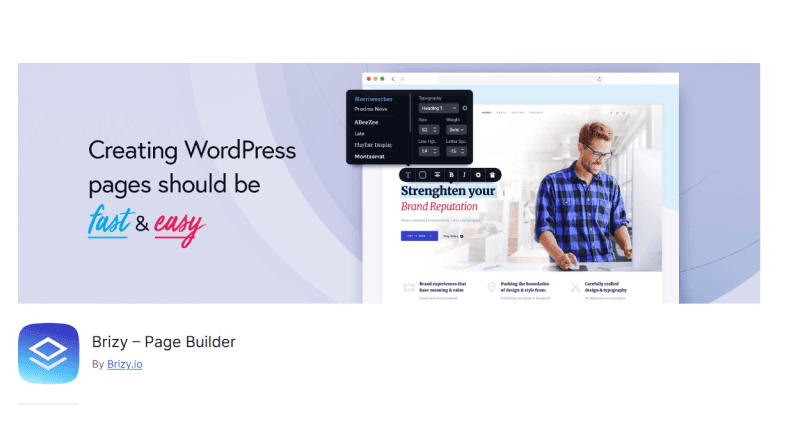
Brizy Page Builder
A no-code builder with premium templates and a free starter version.
Key Features:
- Intuitive interface
- Responsive design
- Feature-rich free version
Pricing: Pro starts at $13/month
7. Spectra Page Builder

Spectra Page Builder
A Gutenberg-based builder with 28+ blocks and dynamic content support.
Key Features:
- Block patterns & templates
- Style copying
- Free & Pro versions
Pricing: Free (Pro from $49/year)
8. SeedProd Page Builder
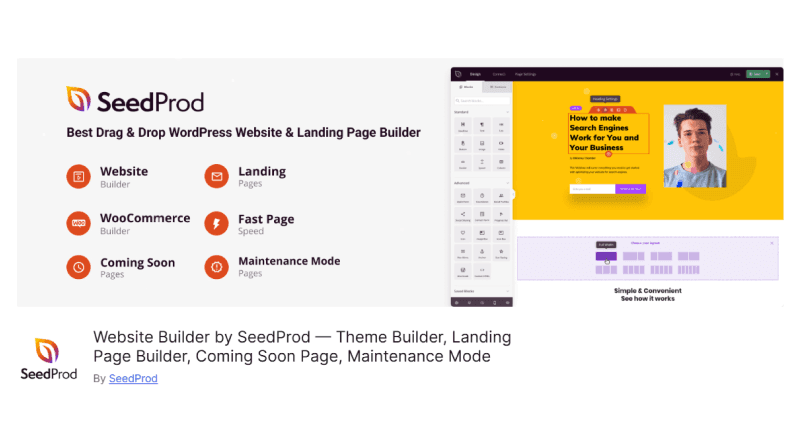
SeedProd Page Builder
A landing page builder with 90+ blocks and WooCommerce integration.
Key Features:
- 150+ templates
- Email marketing integration
- Spam protection
Pricing: Starts at $31.60/year
9. Visual Composer

Visual Composer
A drag-and-drop editor with 500+ elements and SEO optimization.
Key Features:
- Pre-made templates
- Hub for add-ons
- Frontend & backend editing
Pricing: Free (Premium from $49/year)
10. WP Bakery
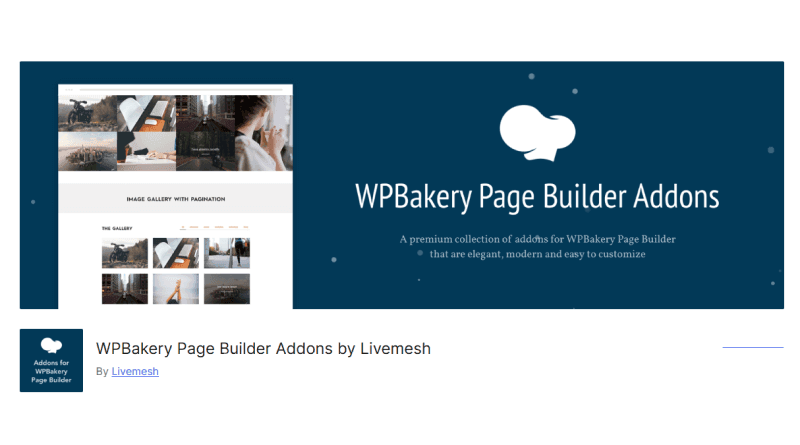
WP Bakery
A legacy builder with 50+ widgets and a template library.
Key Features:
- Skin builder
- Grid layouts
- Developer-friendly API
Pricing: $59 (lifetime license)
11. Zion Page Builder
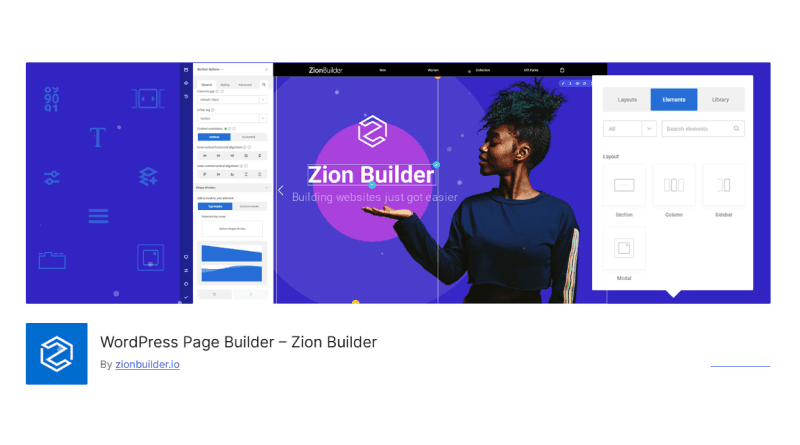
Zion Page Builder
A flexible builder with 300+ blocks and WooCommerce support.
Key Features:
- Header & footer builder
- Modal popups
- Responsive preview
Pricing: Free (Pro from $39/year)
12. Divi Builder
Divi Builder
A theme & page builder combo with pre-made layouts.
Key Features:
- Drag-and-drop editing
- WooCommerce customization
- Global styling
Pricing: Included in Elegant Themes ($89/year)
13. Ultimate Blocks
Ultimate Blocks
A Gutenberg enhancer with 25+ custom blocks.
Key Features:
- Animation effects
- SEO-friendly
- Mobile-responsive
Pricing: Free (Pro from $49/year)
How to Choose the Best Website Builder Plugin
- Functionality – Does it offer drag-and-drop, templates, and customization?
- Ease of Use – Is the interface beginner-friendly?
- Budget – Free for basic needs; premium for advanced features.
- Use Case – eCommerce, portfolio, or blog? Pick a specialized builder.
Recommendations
- eCommerce: Elementor Pro, Beaver Builder
- Portfolios: WP Bakery, Divi
- Blogs: Gutenberg, SiteOrigin
Final Thoughts
WordPress page builders simplify website creation, whether you're a beginner or a professional. Choose the right tool, host with a reliable provider, and start building your dream site today!
FAQs
Q: What’s the difference between a website builder plugin and a standard WordPress plugin? A: Website builders focus on visual design & layout, while standard plugins add specific functionalities (SEO, security, etc.).
Q: How do I pick the best page builder for my needs? A: Consider features, ease of use, budget, and compatibility with your project type.
Q: Do all page builders have drag-and-drop? A: Most do (Elementor, Beaver Builder), but some older or lightweight options may not.
Q: Are page builders compatible with other plugins? A: Yes, most work seamlessly with popular SEO, security, and eCommerce plugins.