 info@hostingduty.com
 Call us at 02269718986


Best One-Page WordPress Themes for Creating Stunning Websites
In today's digital landscape, WordPress remains the go-to platform for website creation, with one-page themes gaining immense popularity. These streamlined designs are perfect for portfolios, business landing pages, and promotional sites, offering visitors a seamless scrolling experience instead of multiple page clicks.
With countless options available, selecting the ideal one-page WordPress theme can be overwhelming. To simplify your search, we’ve curated a list of the best single-page themes that enhance readability and user engagement.
Table of Contents
- Understanding Single-Page Themes
- Advantages of One-Page Website Themes
- Essential Features of One-Page WordPress Templates
- How to Choose the Right One-Page Theme
- Top One-Page WordPress Themes
- Hestia
- Zelle Lite (formerly Zerif Lite)
- OnePress
- Sydney
- Latte
- Shapley
- Illdy
- NovelLite
- Ascendant
- Mesmerize
- Building a One-Page Website with WordPress
- Inspiring Examples of One-Page Websites
- Frequently Asked Questions
Understanding Single-Page Themes
A single-page theme consolidates all content into a scrollable layout, eliminating the need for multiple pages. Users navigate through sections—such as "About," "Services," and "Contact"—via anchor links or smooth scrolling.
These themes are ideal for portfolios, event promotions, and small businesses, offering a clutter-free experience. While multi-page themes suit content-heavy sites like e-commerce stores and blogs, single-page designs excel in simplicity and storytelling.
Why Choose a One-Page Website Theme?
Enhanced User Experience (UX)
One-page themes minimize navigation hurdles, reducing bounce rates and keeping visitors engaged. Everything is accessible in one place, making it easier for users to absorb information.
Mobile Optimization
With mobile browsing surpassing desktop usage, one-page themes shine on smaller screens. Their scroll-friendly design ensures faster access to content, improving usability across devices.
SEO and Cost Efficiency
Simplified structures boost page speed, benefiting SEO rankings. Additionally, one-page sites often require fewer resources, making them budget-friendly.
Key Features of Top One-Page WordPress Themes
- Seamless Scrolling – Ensures smooth transitions between sections.
- Intuitive Navigation – Features like sticky menus and "Back to Top" buttons improve usability.
- Parallax Effects – Adds depth with layered scrolling animations.
- Anchor Links – Allows direct jumps to specific sections.
- Responsive Design – Adapts flawlessly to all screen sizes.
Selecting the Perfect One-Page Theme
Consider your website’s purpose—whether it’s a portfolio, business site, or landing page. Look for customization options, design aesthetics, and budget (free vs. premium themes). Reliable sources include the WordPress Theme Directory, ThemeForest, and developer marketplaces like Elegant Themes.
Top One-Page WordPress Themes
1. Hestia
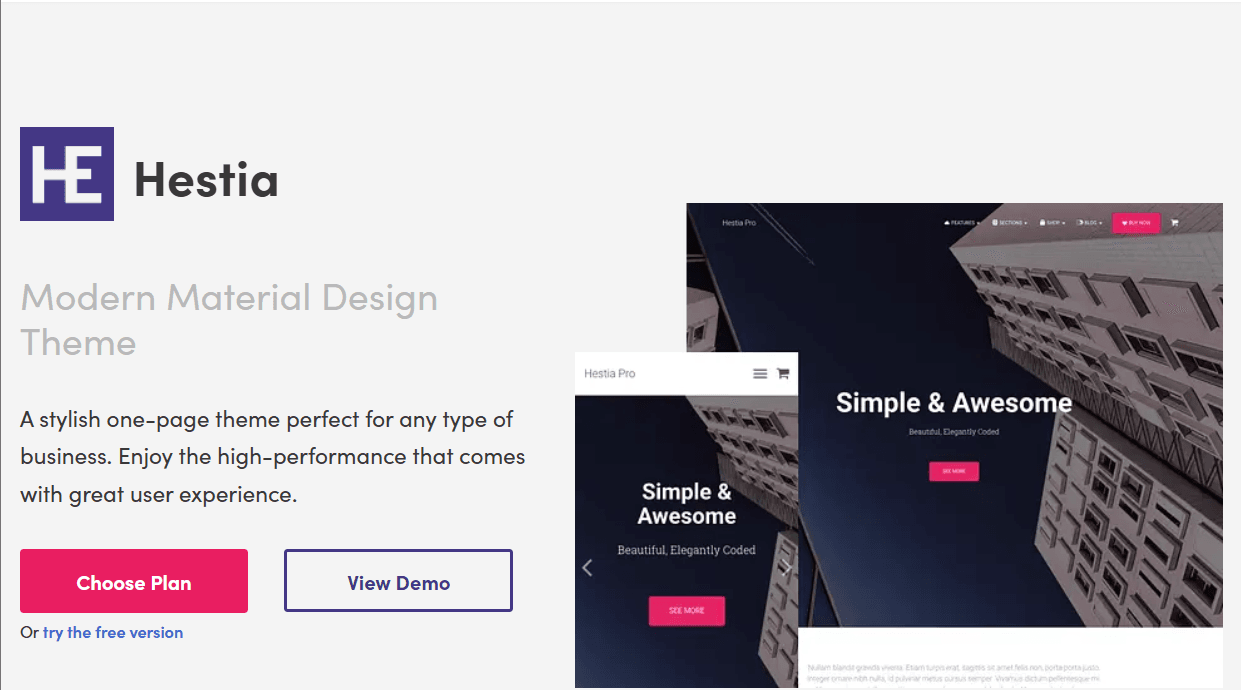
A modern, material-design theme ideal for startups and small businesses.
Pricing: Free (Lite) | Pro starts at €69/year
Key Features: WooCommerce support, page builder compatibility, starter templates.
2. Zelle Lite
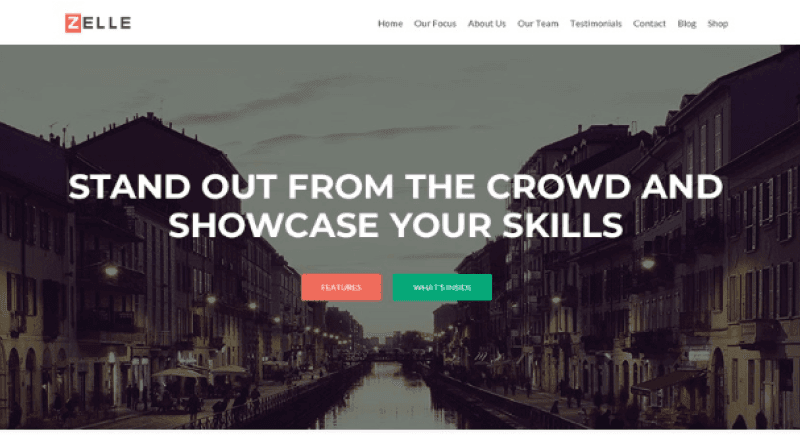
A responsive, free theme for agencies and corporate sites (now maintained as a Neve starter site).
Key Features: Live customizer, translation-ready, WooCommerce integration.
3. OnePress
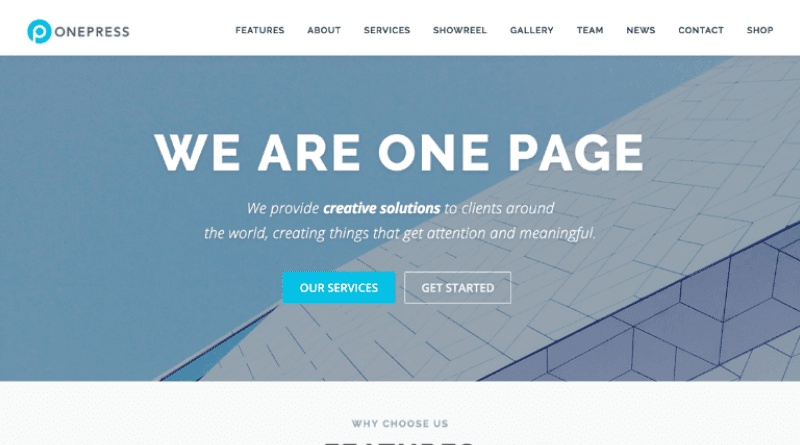
A flexible, free theme with parallax effects, perfect for freelancers and agencies.
Pricing: Free | Plus plugin at $69/year
Key Features: Custom content blocks, SEO optimization.
4. Sydney
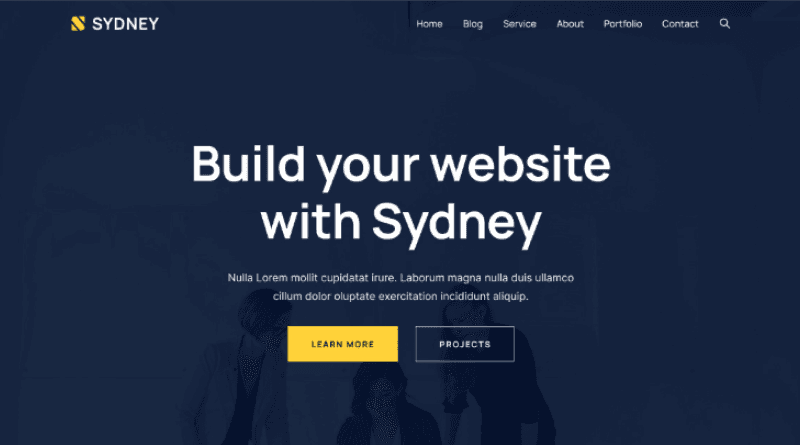
A versatile theme for businesses with extensive customization options.
Pricing: Free | Pro starts at $69/year
Key Features: Multiple header layouts, WooCommerce support.
5. Latte

A parallax theme tailored for portfolios and creative professionals.
Key Features: Customizable sections, responsive design.
6. Shapley
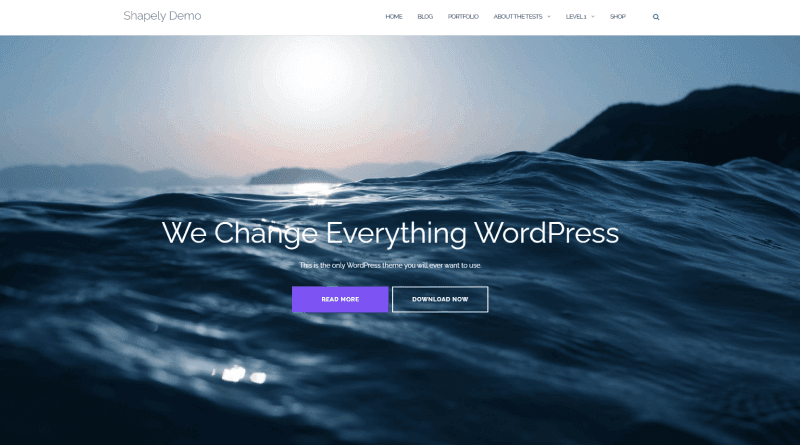
A sleek theme for businesses and portfolios with plugin support.
Key Features: Retina-ready, unlimited color options.
7. Illdy
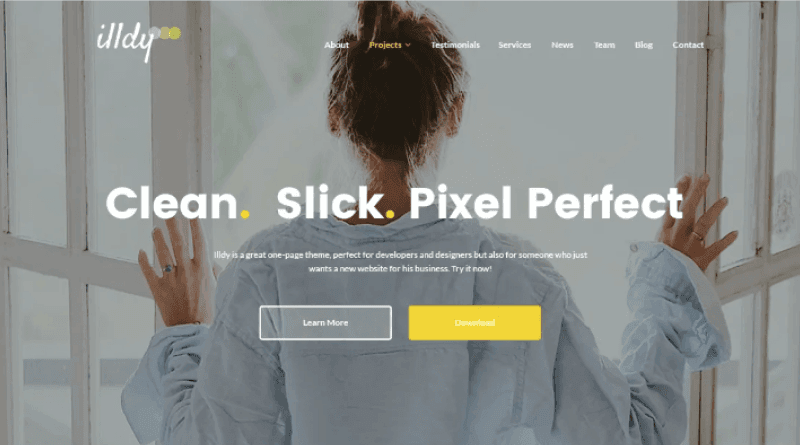
A clean, Bootstrap-based theme with fullscreen hero images.
Key Features: Translation-ready, WooCommerce compatible.
8. NovelLite
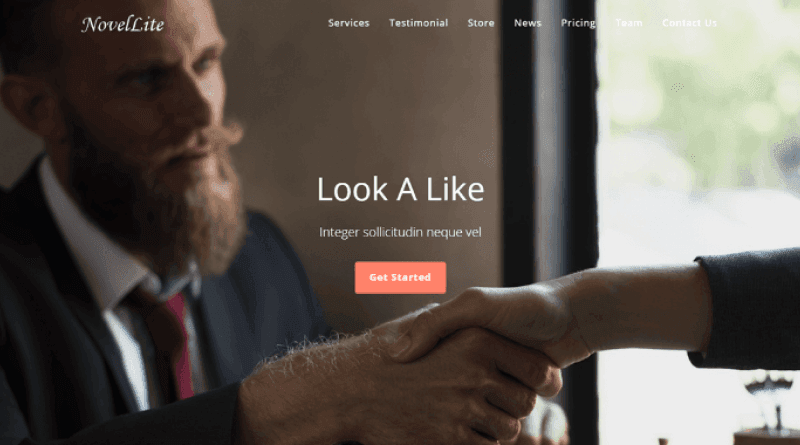
A multipurpose theme with pre-built sections for businesses.
Pricing: Free | Pro version available
Key Features: Page builder support, SEO-friendly.
9. Ascendant

A premium theme with deep customization for corporate sites.
Pricing: Starts at $59/year
Key Features: Layout control, WooCommerce integration.
10. Mesmerize
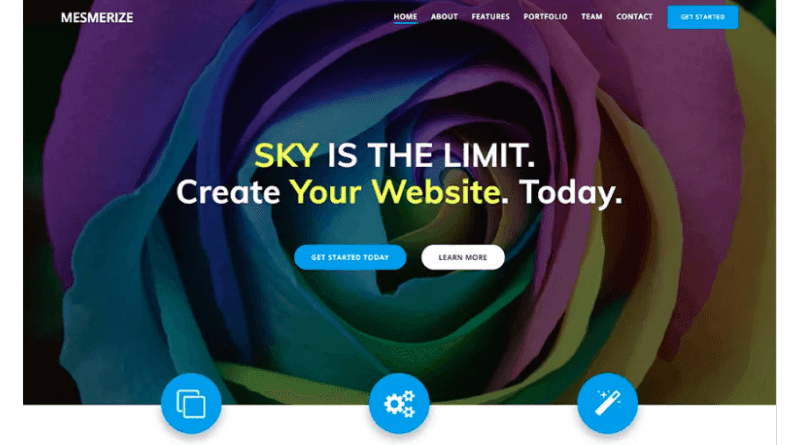
A visually rich theme with live editing and predefined sections.
Pricing: Starts at $79/year
Key Features: Video backgrounds, advanced typography.
Building Your One-Page Website
- Choose a Hosting Provider – Opt for a reliable host like MilesWeb for one-click WordPress installation.
- Install Your Theme – Upload via the WordPress dashboard.
- Customize Content – Use the WordPress Customizer to adjust layouts, colors, and sections.
- Optimize for SEO – Improve loading speed and add relevant keywords.
Successful One-Page Website Examples
- Spotify – Engaging visuals and smooth navigation.
- Airbnb – Clear CTAs and mobile-friendly design.
- Apple – High-impact imagery and intuitive scrolling.
Final Thoughts
One-page WordPress themes offer a sleek, efficient way to showcase your brand. By selecting the right theme and optimizing its design, you can create a compelling online presence with minimal effort.
FAQs
When should I use a single-page theme?
For portfolios, landing pages, or businesses with concise content.
How does navigation work?
Via scrollable sections or anchored menu links.
What are the technical challenges?
Balancing animations with performance and cross-browser compatibility.
How can I improve UX?
Prioritize readability, mobile responsiveness, and clear CTAs.
By leveraging these insights, you can build a stunning one-page website that captivates your audience.